
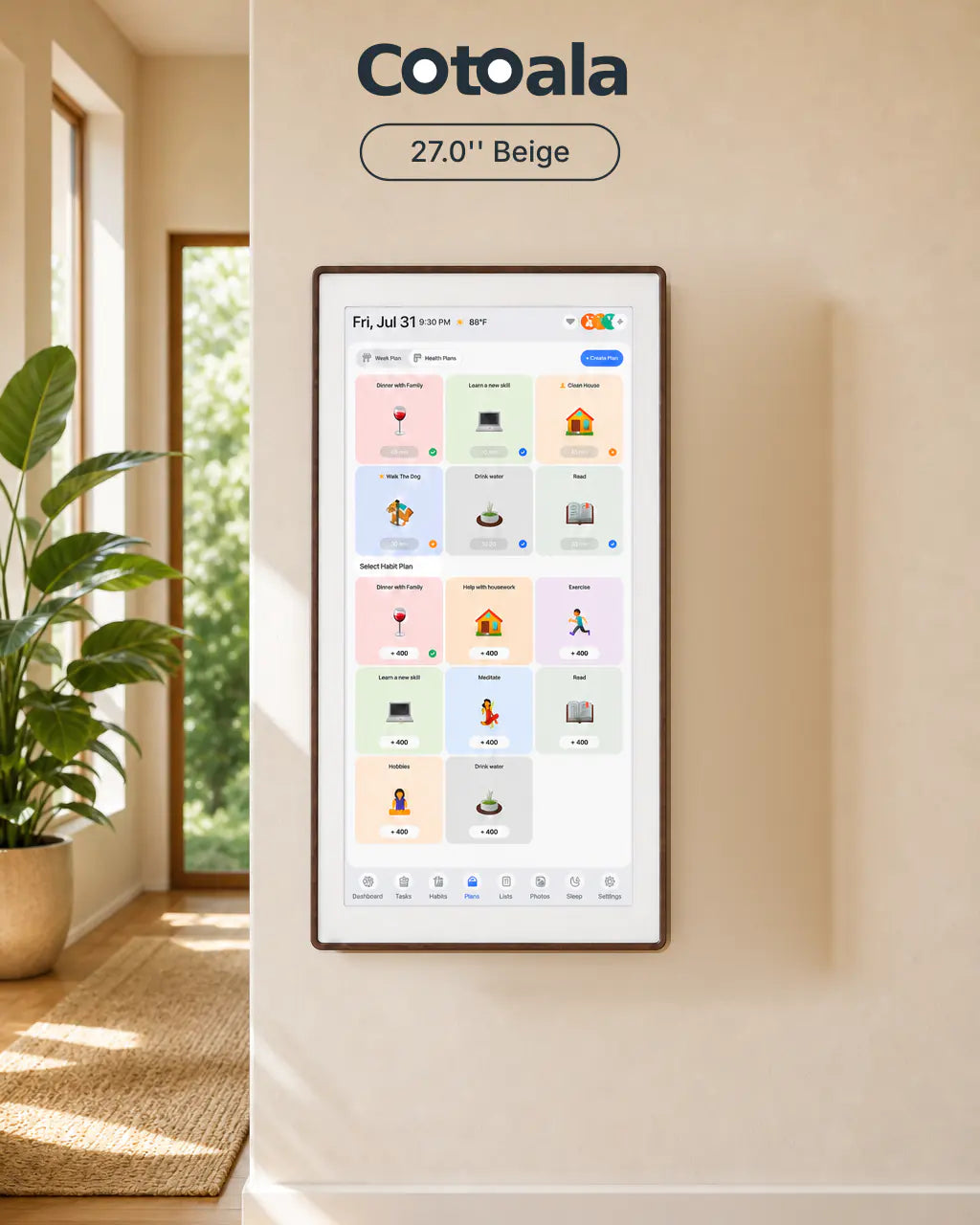


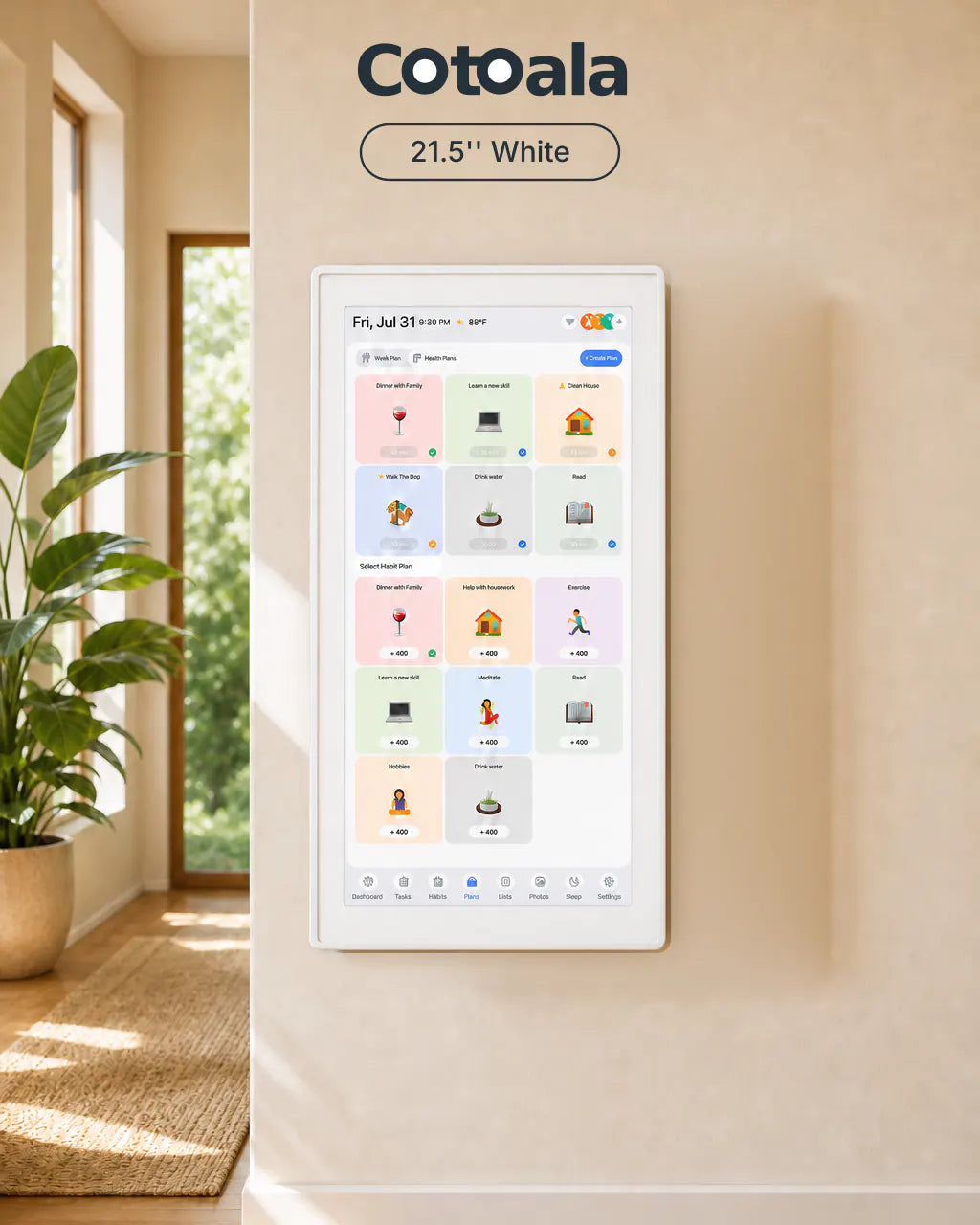
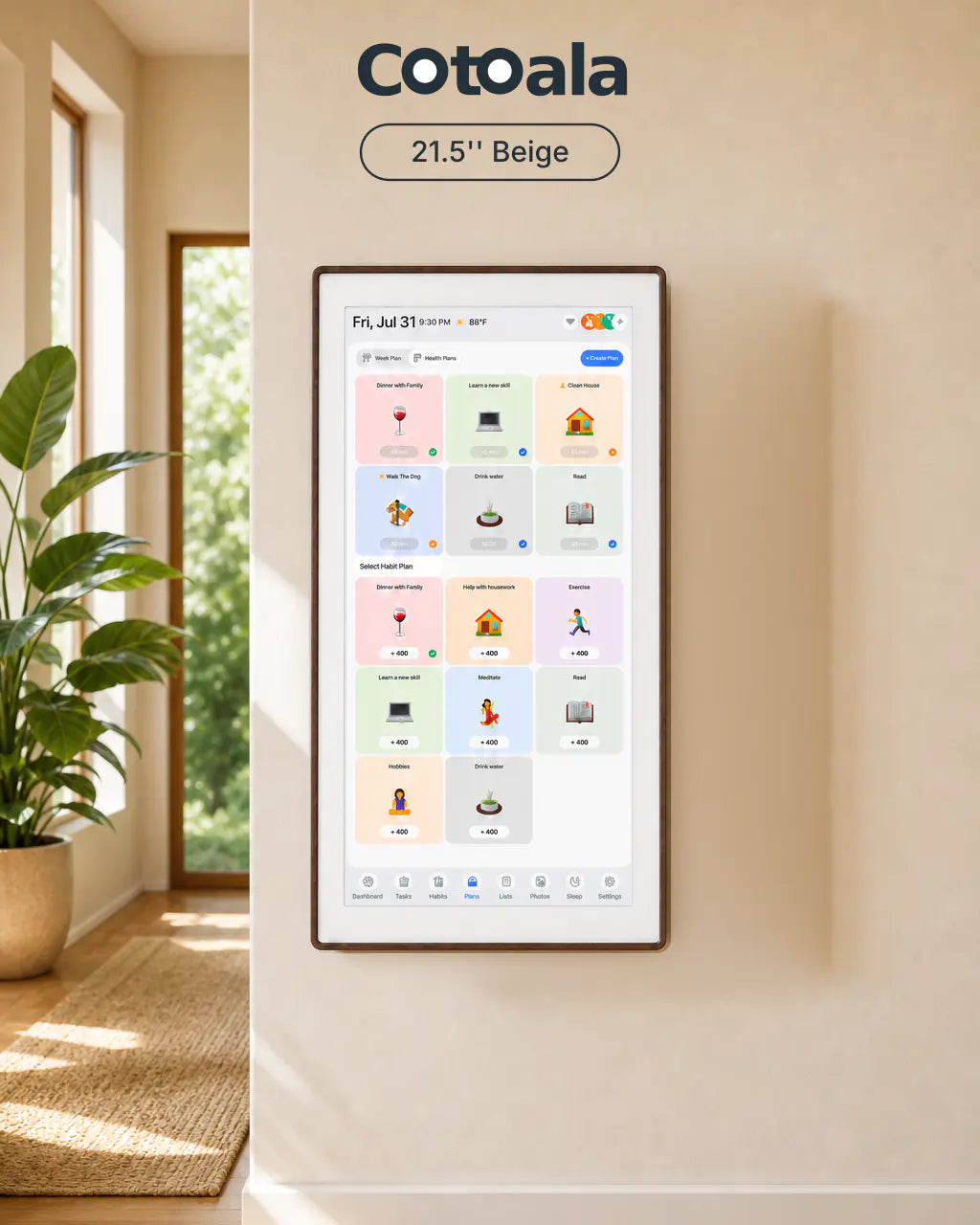
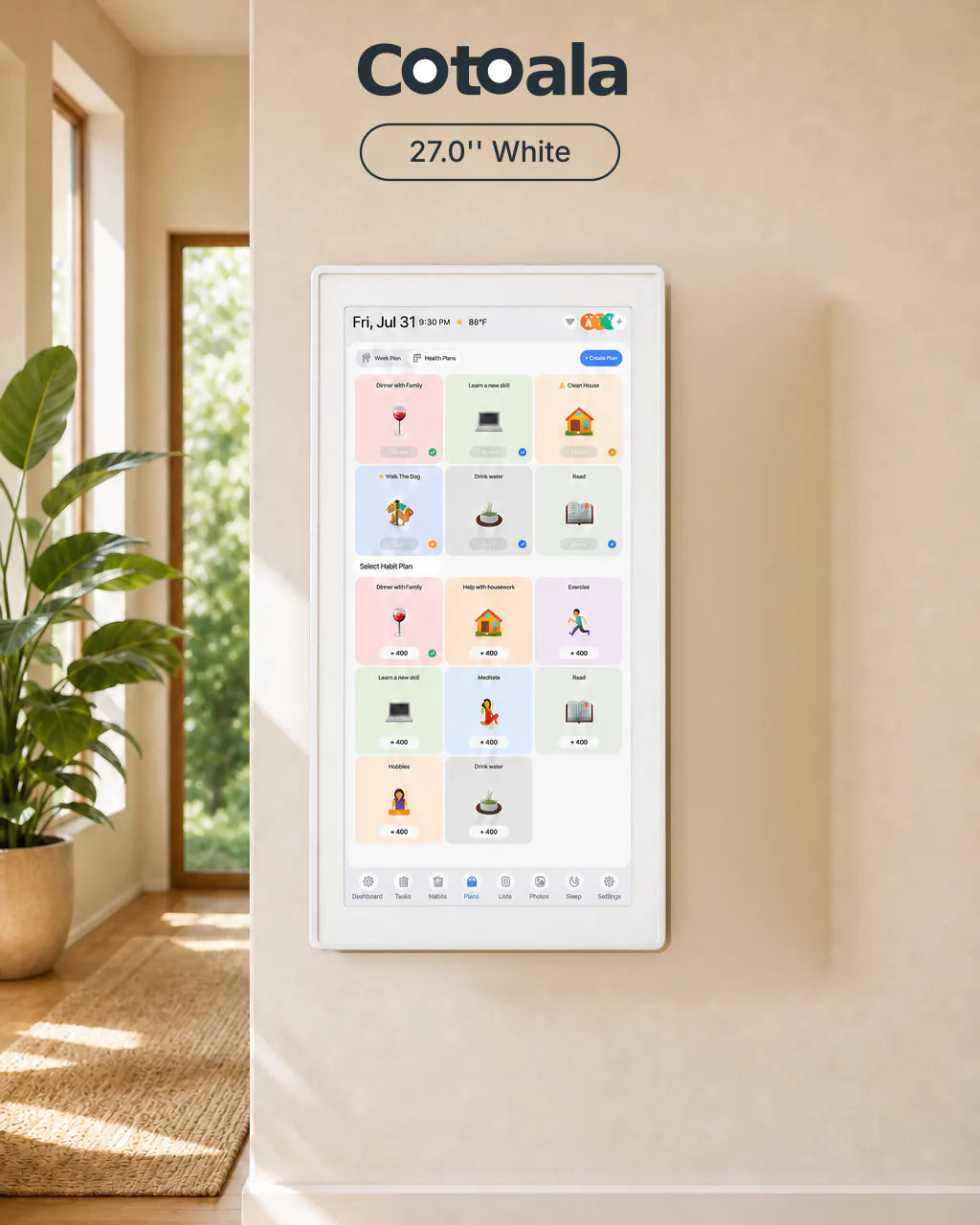
Cotoala 27.0" Display With Beige
Create a welcoming family organization center with the 27-inch Cotoala Display in beige. Its spacious viewing area makes shared plans and household responsibilities easier to follow, while the warm neutral finish complements relaxed, natural interiors.


 Ships in 1-2 Days
 30-Day Return Policy
 2-Year Warranty
 Easy Setup in 10 Minutes
KeySpecifications
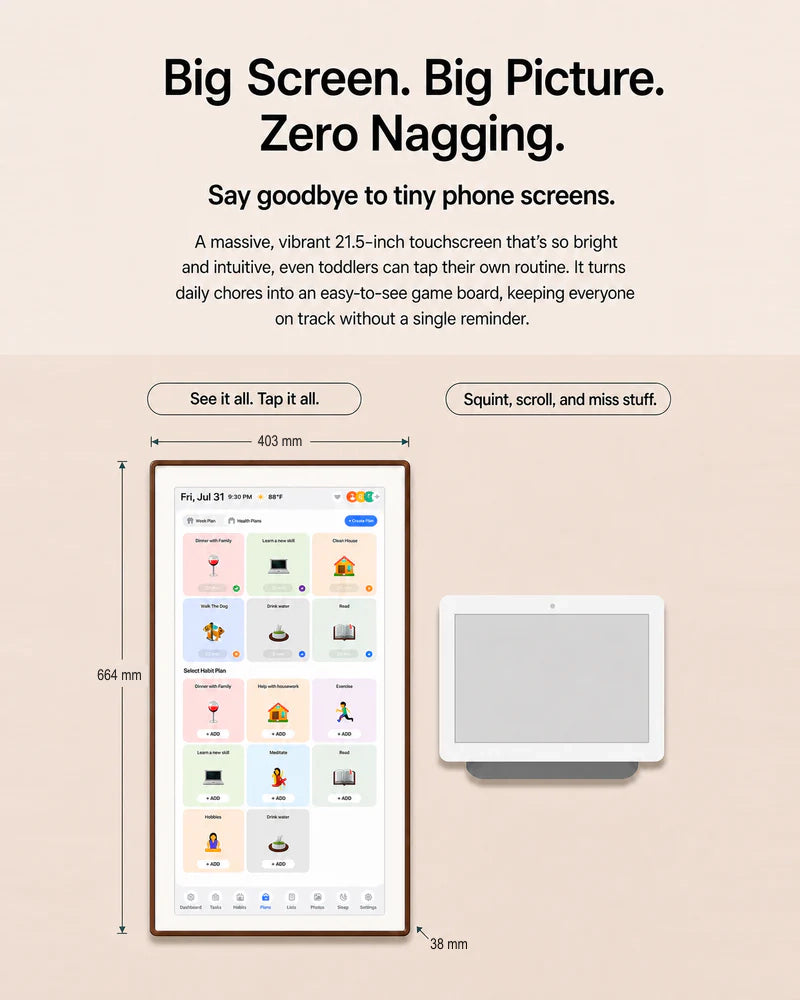
Display: 21.5" FHD 1920*1080 IPS touchscreen with 10-point capacitive touch (G+G).
Processor: Quad-Core Arm Cortex-A53 (up to 1.7GHz) with PowerVR GE8300 GPU.
Storage: 2GB RAM + 32GB ROM (eMMC).
Connectivity: Dual-band WiFi 2.4G/5G and Bluetooth (WiFi/BT combo module).
Interfaces: TF card slot, USB port, DC-in (12V/2A).
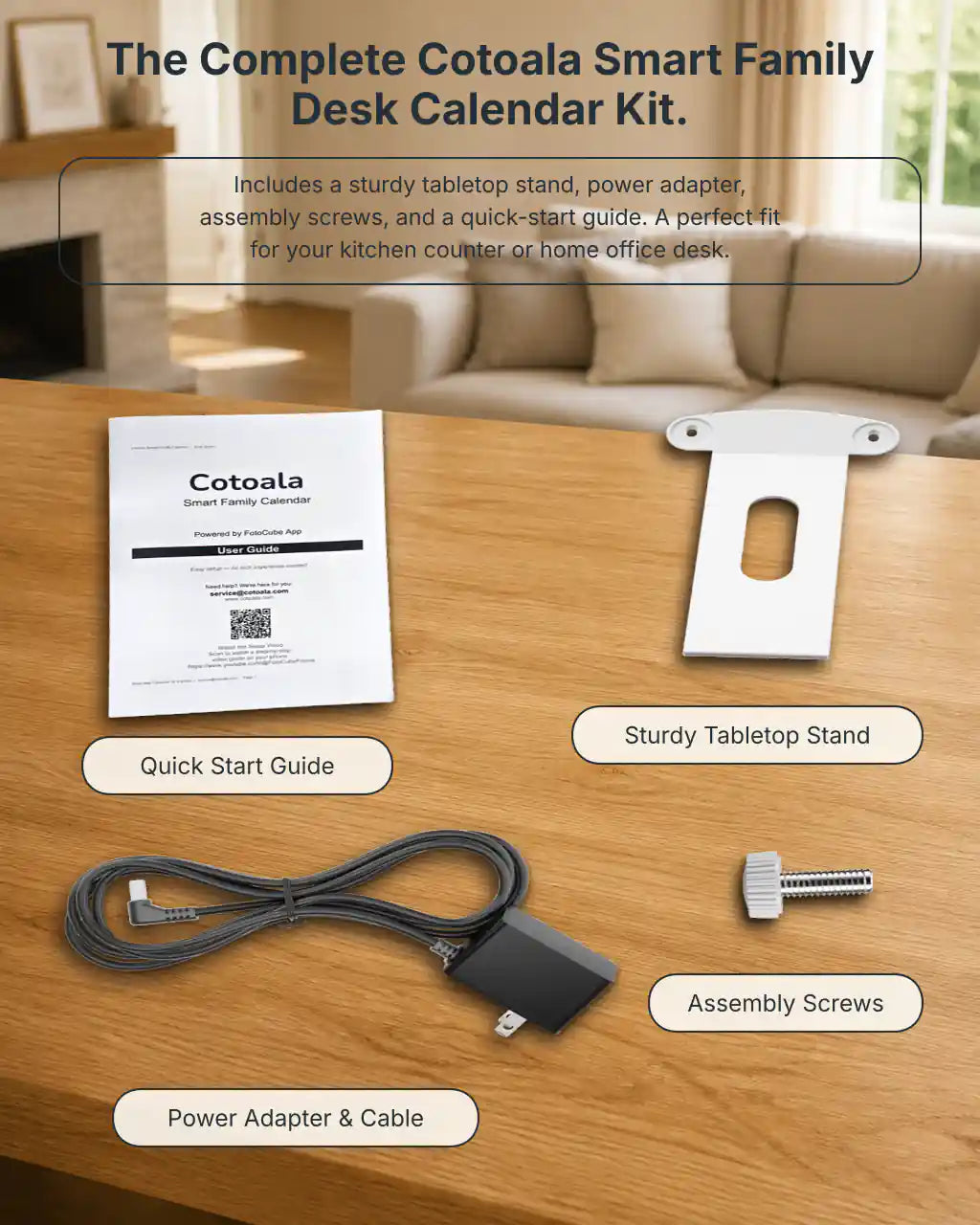
Mounting: 529x321x37mm. Includes desktop stand and VESA mount (100x100mm) for wall installation.
Certifications: Built to last with CE and FCC certifications (testing includes 4K electrostatic contact and 8K air discharge).
Warranty & Returns
• 4-Month Free Returns: Try it at home risk-free.
• Manufacturer Support: Ongoing updates and dedicated customer assistance.
Key Value Proposition
More than a calendar.
The Cotoala 21.5″ Smart Family Calendar is your shared family hub—bringing clarity, connection, and cohesion to your home’s most important spaces.
All Features (Free)
- No Hidden Fees / No Subscriptions: All core features are completely free forever. No monthly fees, no locked features.
- Advanced Android System: Powered by an Android-based OS, offering a smooth user experience.
- Multilingual Support: Built-in multi-language settings to cater to diverse households.
- FotooCube System: Enjoy the powerful, pre-installed FotooCube multimedia display system.
- Versatile Media Playback: Easily load photos and videos via USB drive or TF card. Supports a wide range of formats (JPG, PNG, MP4, MP3, etc.) for effortless offline playback.
- Multi-touch & Customization: 10-point touch allows for intuitive interaction, letting you swipe, zoom, and customize your display exactly how you like it.
More Independence for Kids
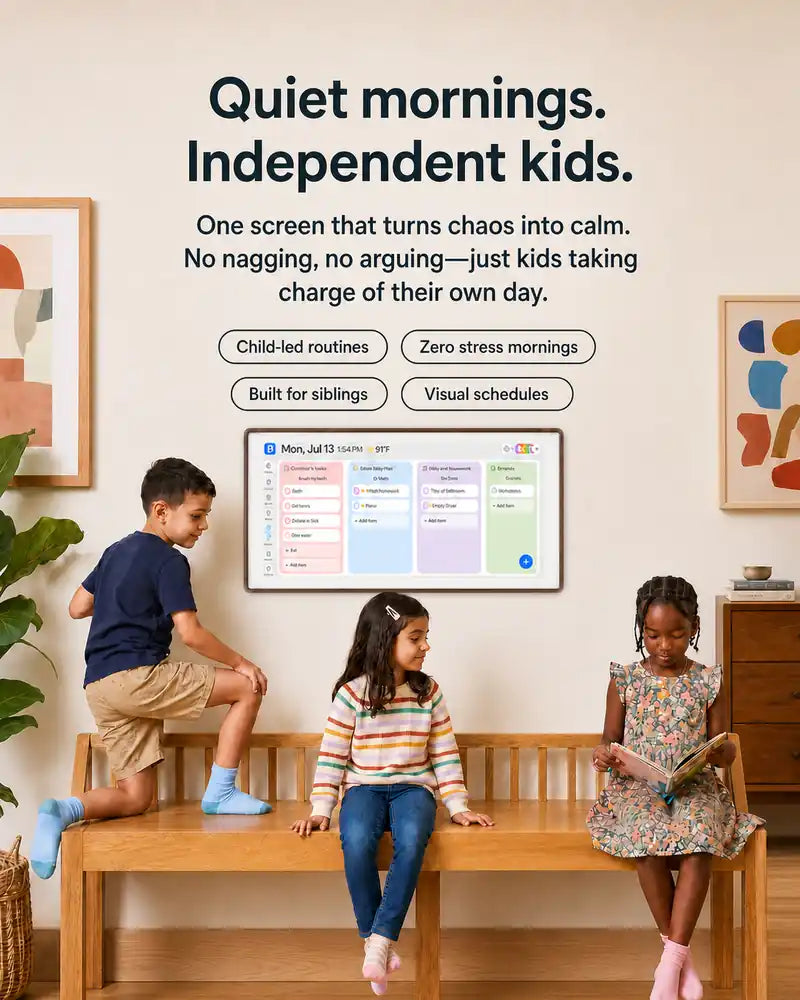
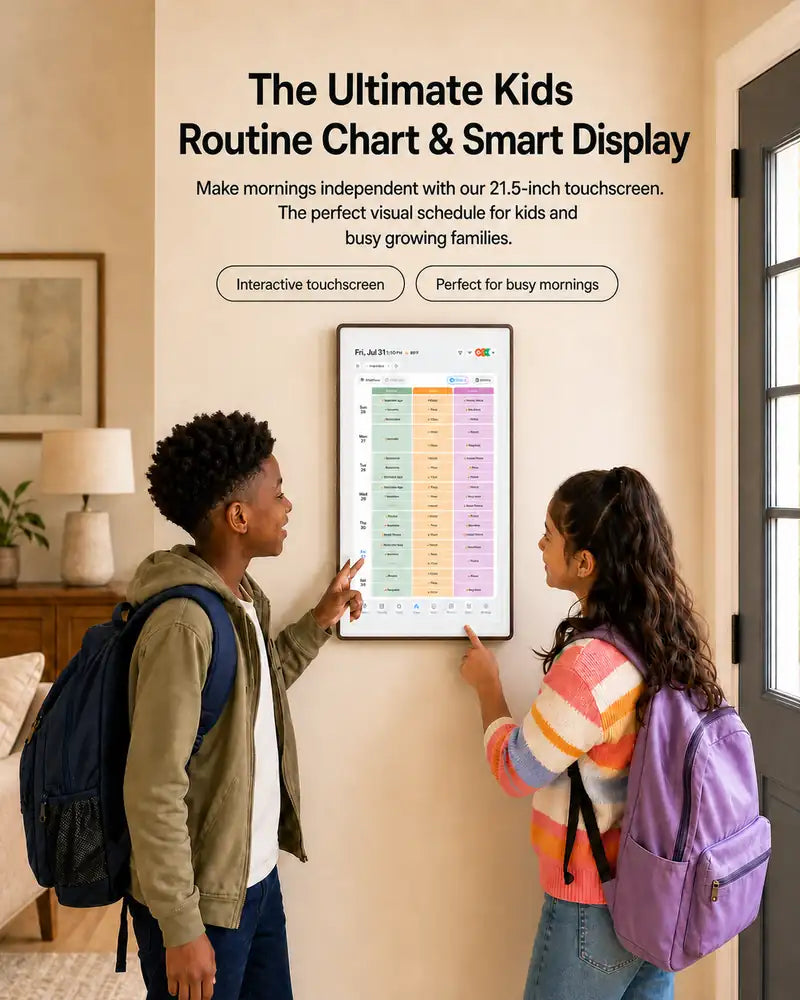
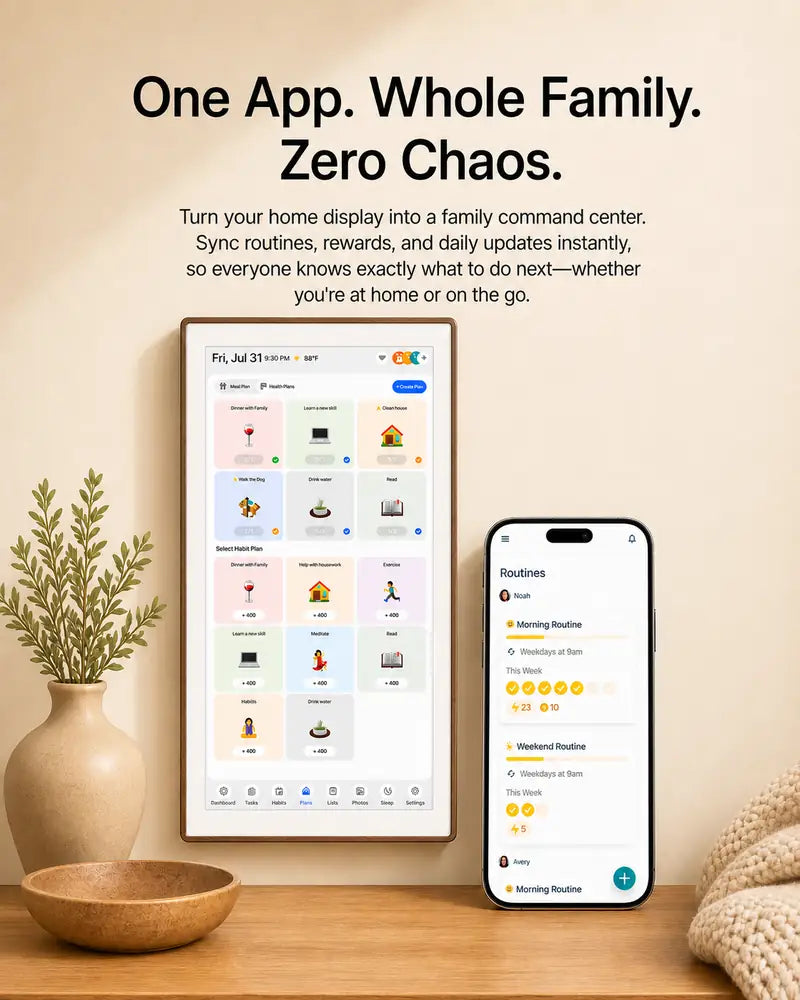
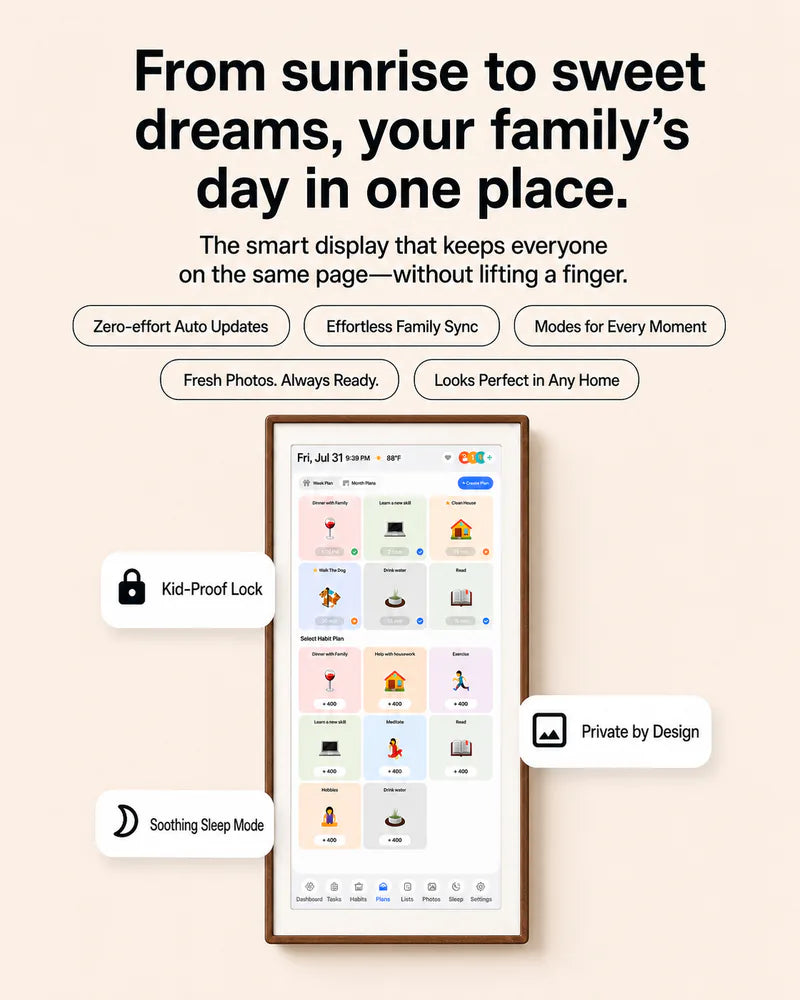
Bring routines, rewards, and family calendar into one view. Kids know what to do, parents spend less time reminding, and everyone stays in sync.
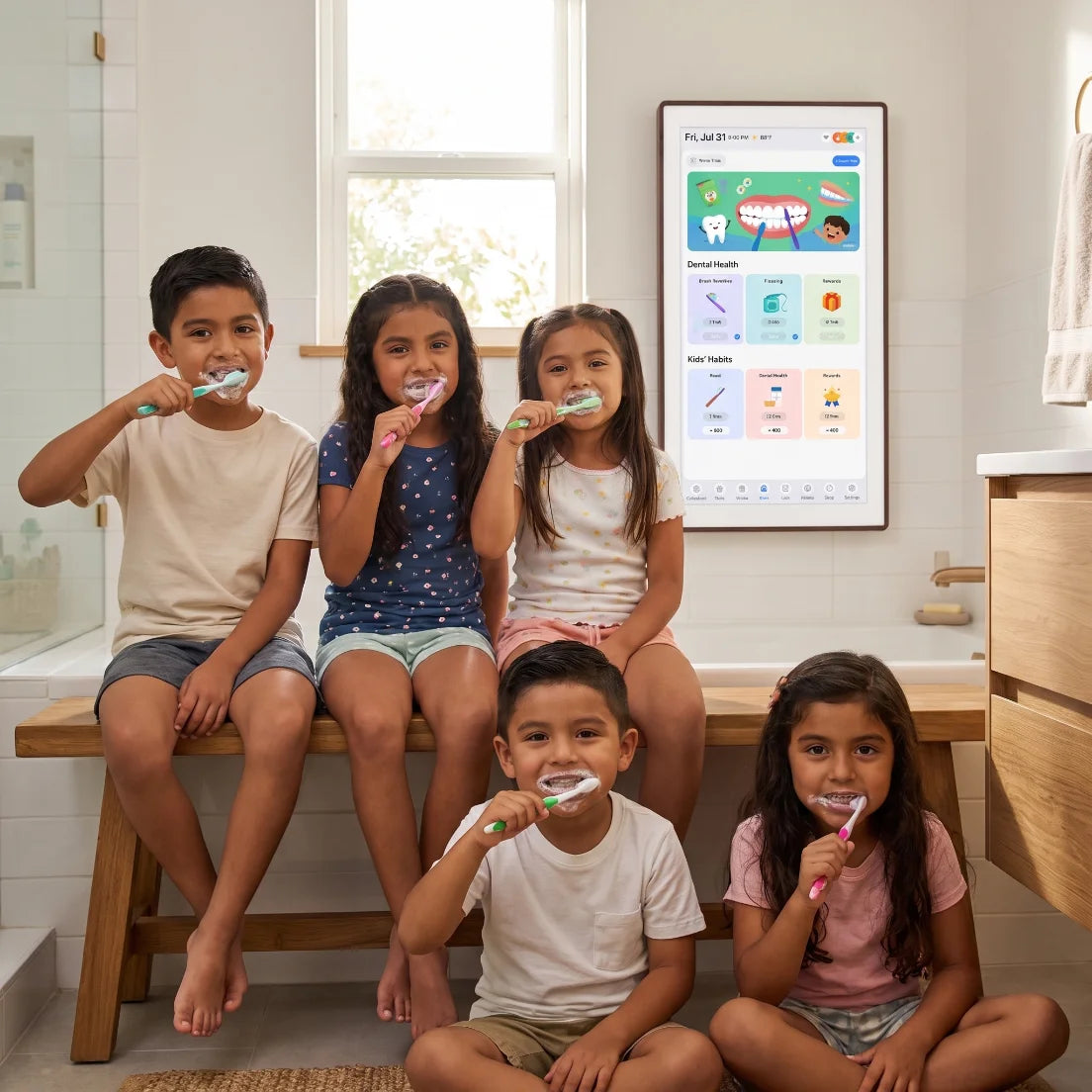
Less Reminding. More Doing.
Give kids clear, visual routines they can follow on their own. They check off tasks as they go, while you spend less time repeating yourself.
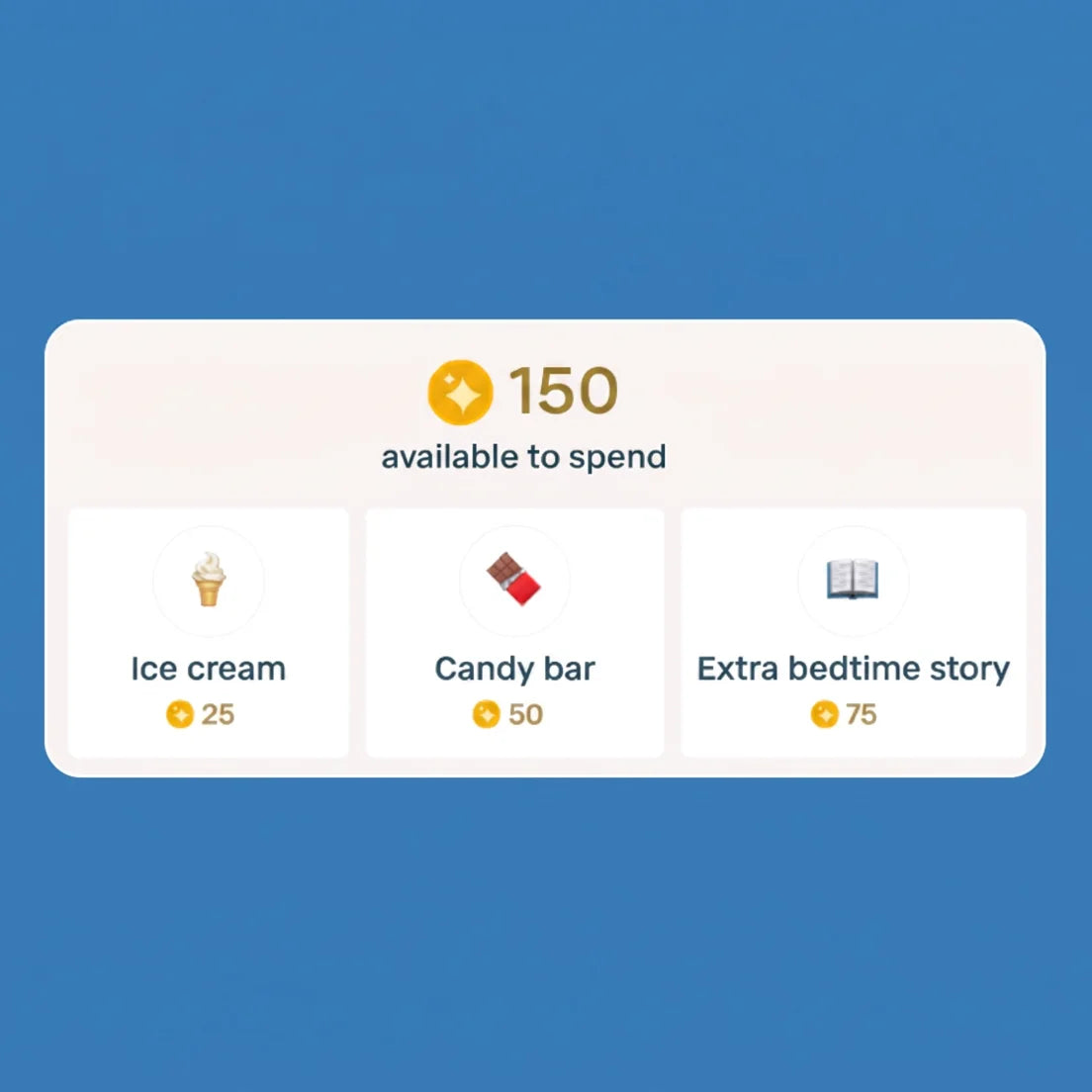
Rewards That Make Habits Stick
Turn completed tasks into streaks and rewards kids can feel proud of—so everyday responsibilities become habits worth celebrating.
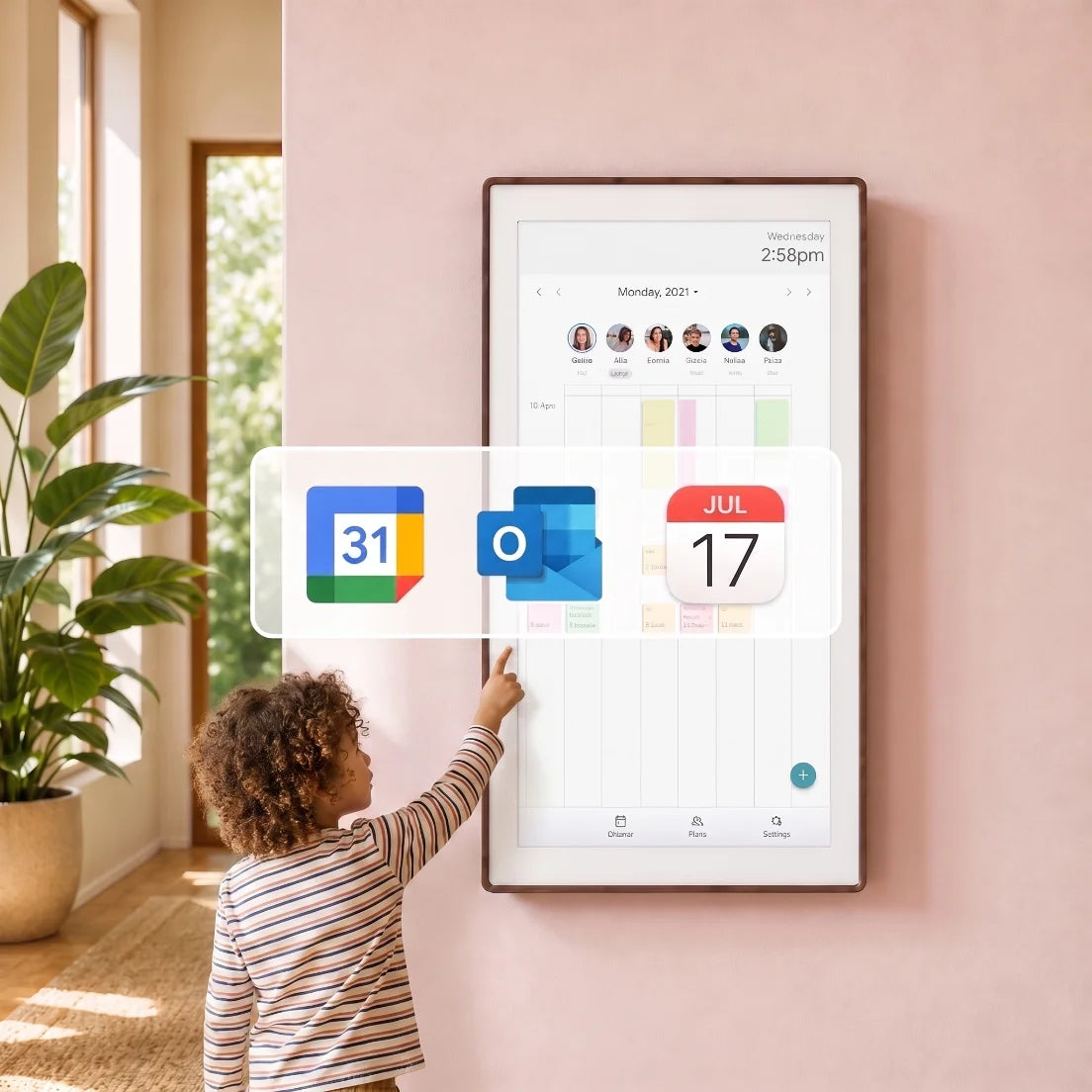
Every Calendar, One Clear View
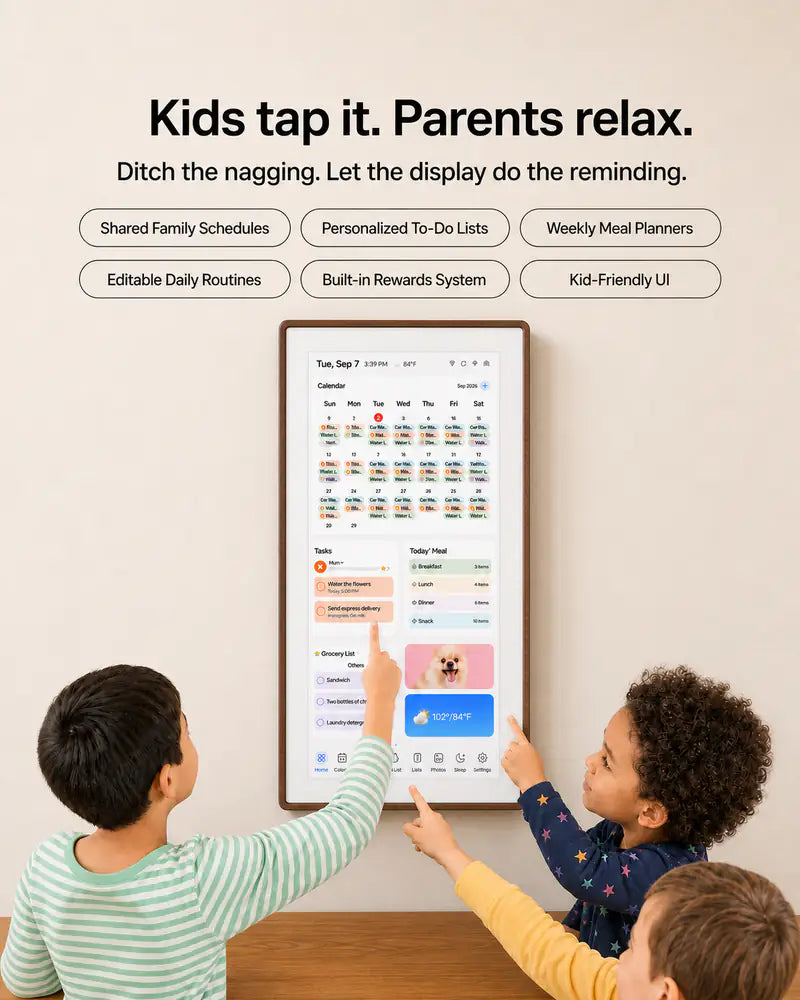
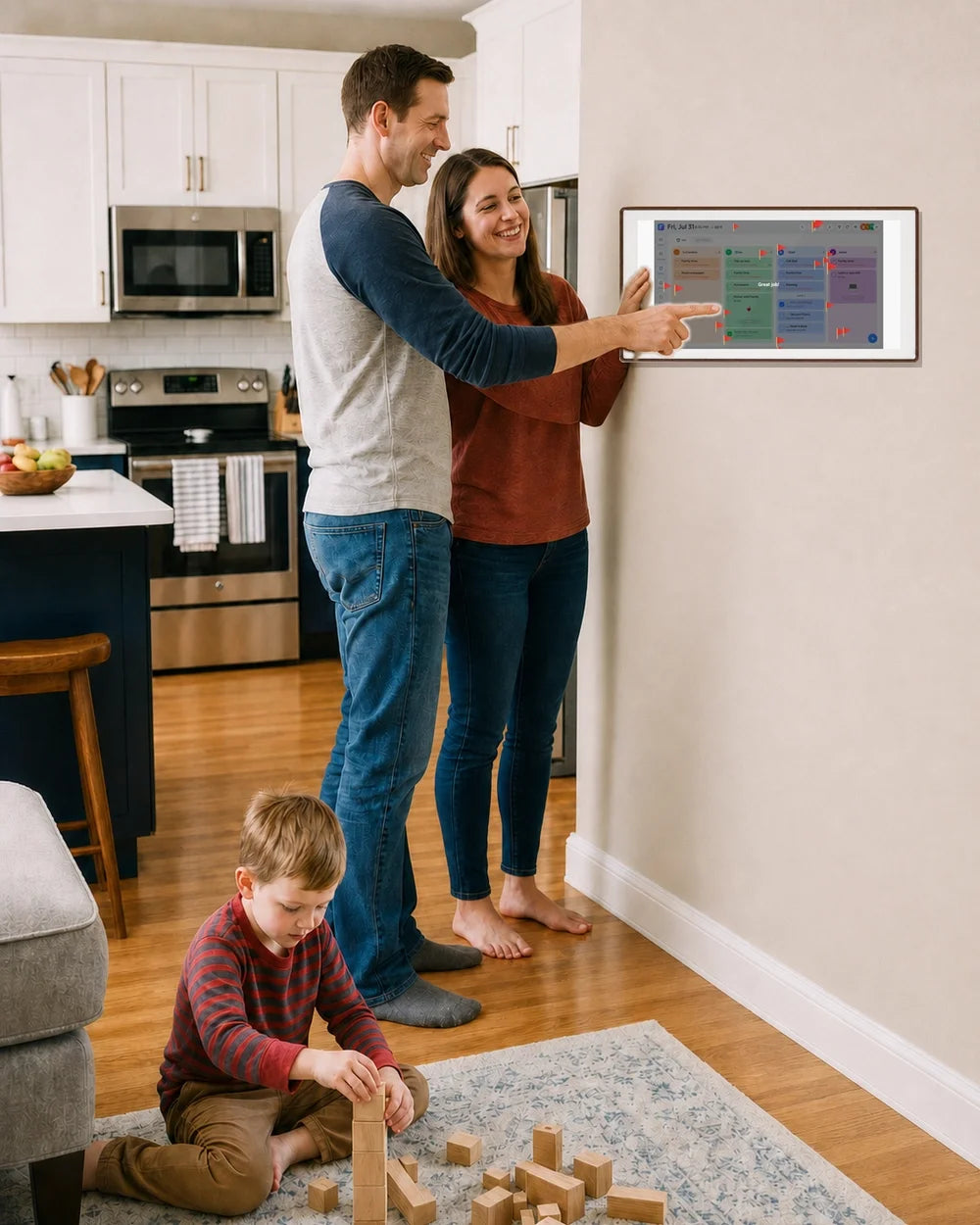
Sync the calendars you use and see family members’ schedules in one color-coded place—without missed events, double bookings, or last-minute surprises.
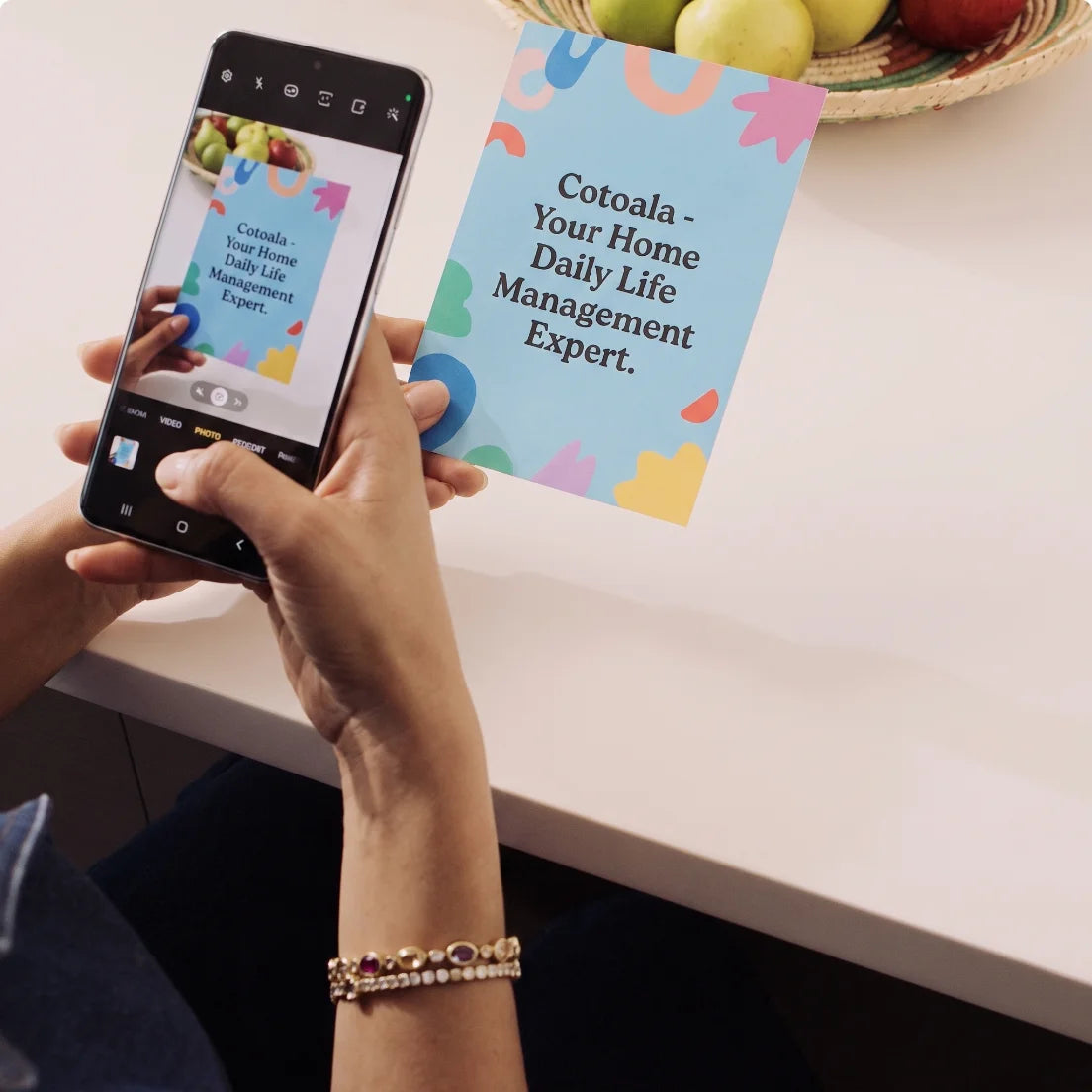
From Paper to Calendar in Seconds
Snap a photo of any invitation, flyer, or school schedule. Cotoala Helper adds the event and important details to your calendar—no manual typing required.
Healthier Habits for Kids
Plan meals around your family’s needs and make feelings easier to share. From tonight’s dinner to daily check-ins, Cotoala helps you care for the whole family in one place.
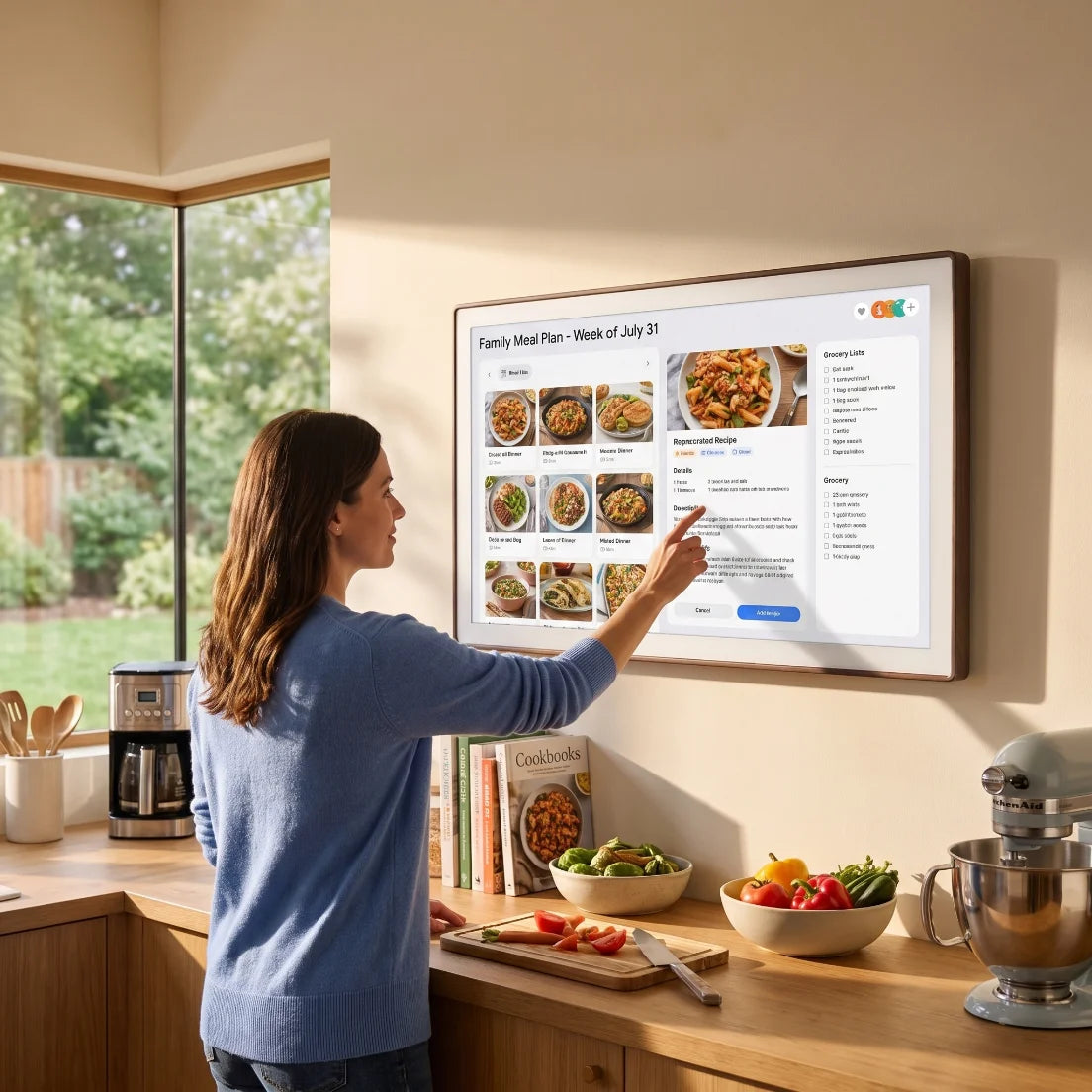
Meal Plans Made for Your Family
Add meal preferences by family member so everyone feels seen. Less mealtime stress, more moments around the table.
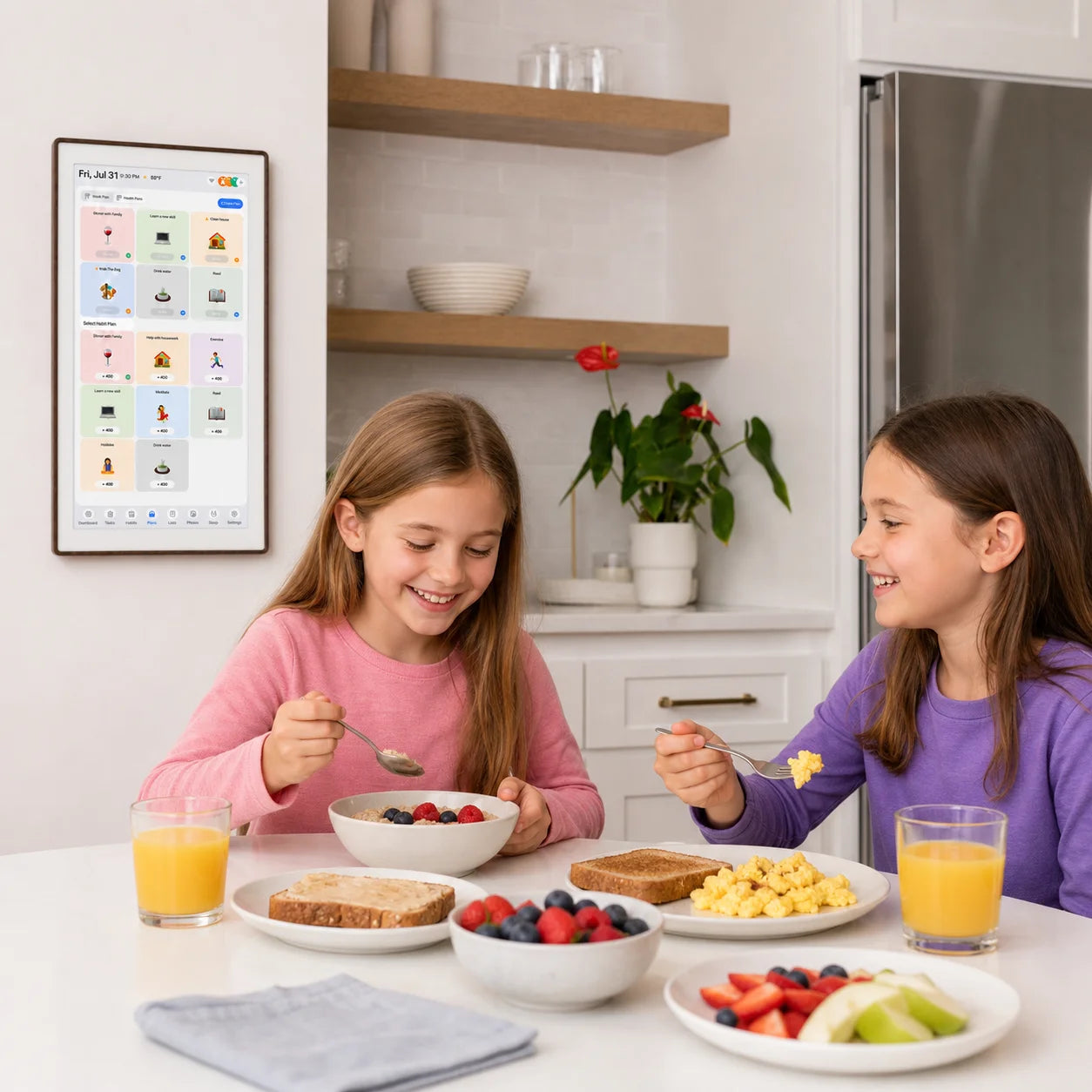
Dinner From What You Have
Generate a personalized weekly meal plan for the whole family, with everyone’s preferences and dietary needs already taken into account.
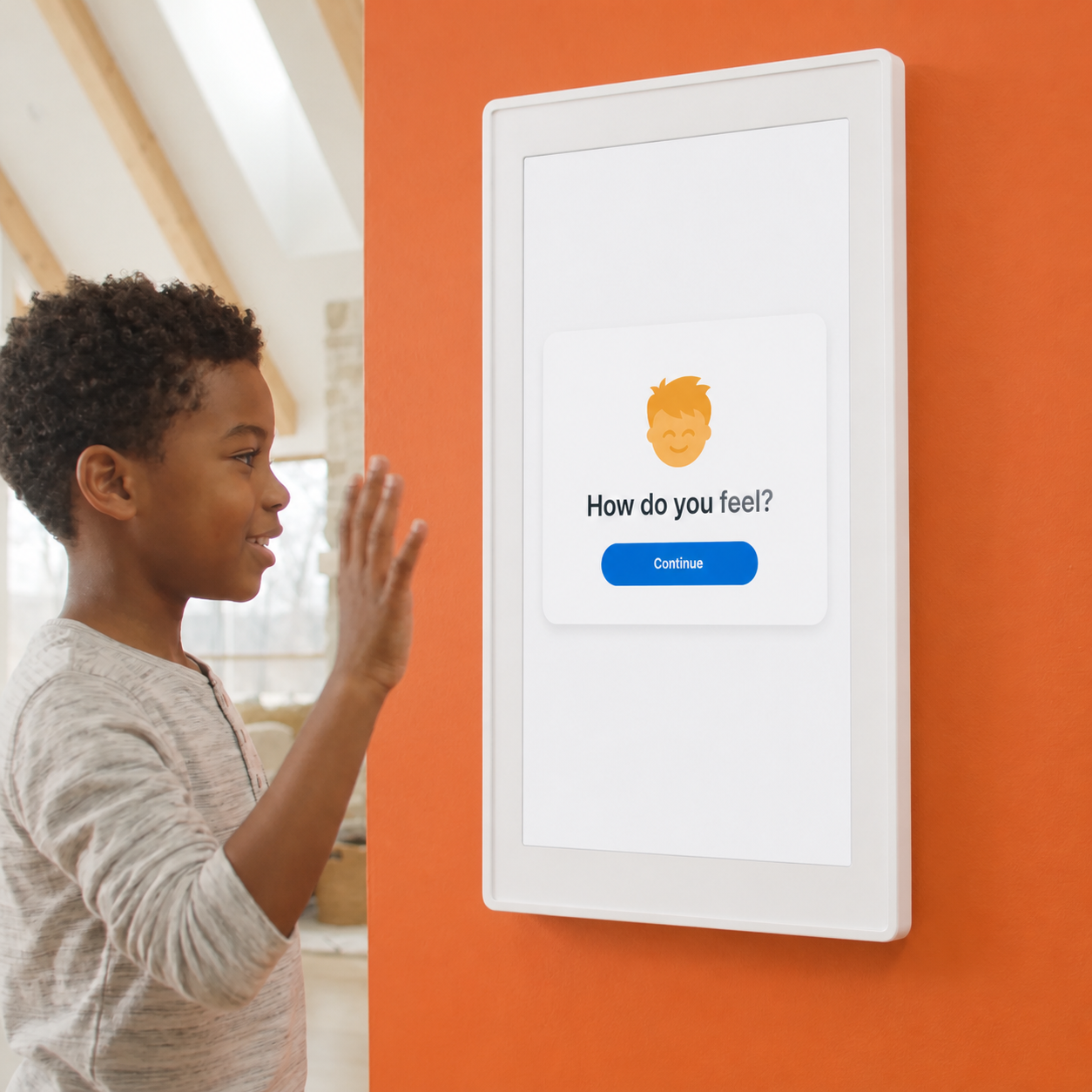
Feelings Made Easier to Share
Not sure what to make tonight? Cotoala Helper suggests a meal based on your family’s preferences, dietary needs, and ingredients already in your fridge.
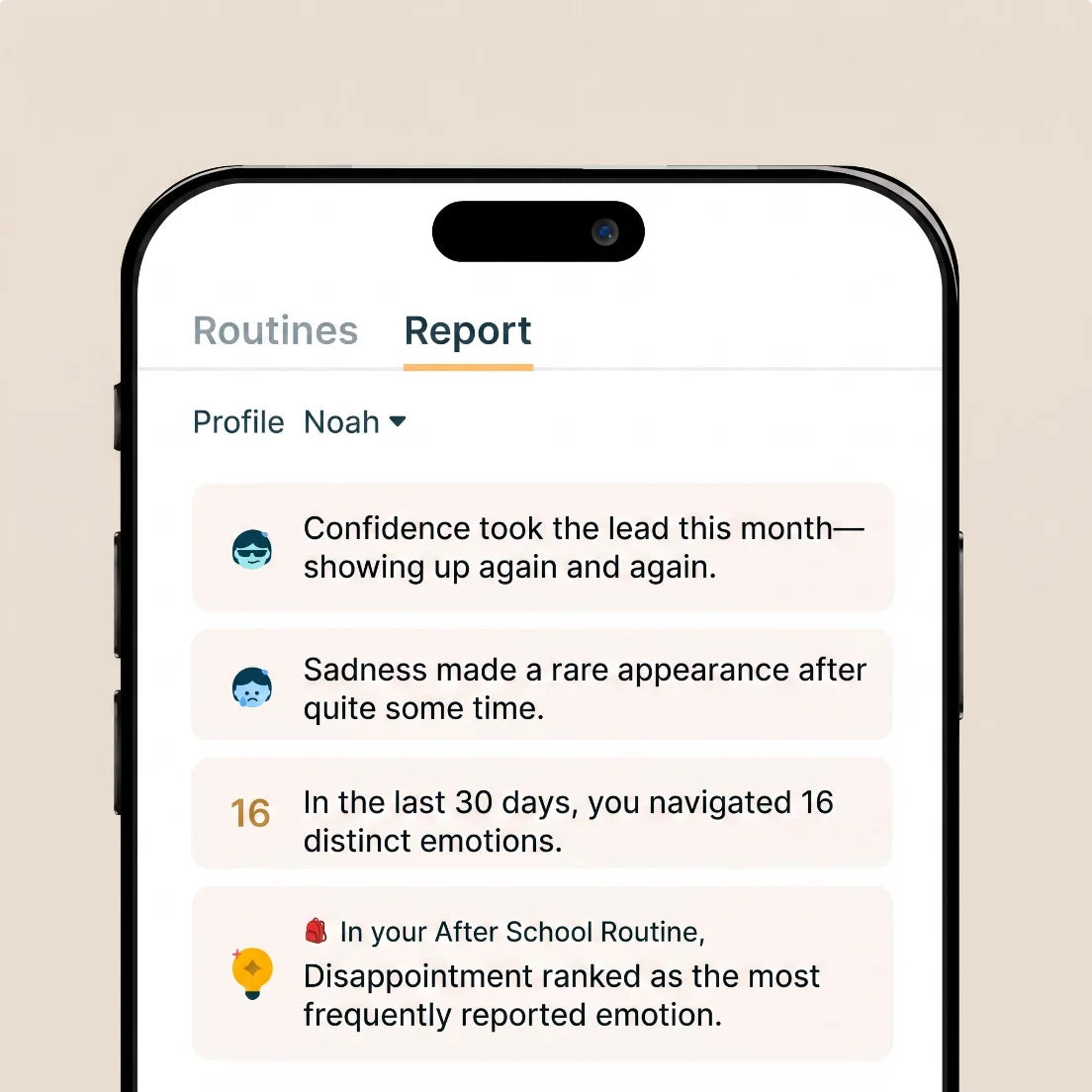
Understand How They’re Feeling
No more “What’s for dinner?” Cotoala makes meals easy to see and plan — bringing color-coded clarity and fewer last-minute scrambles.
From keeping routines and calendars on track to planning meals and understanding feelings, Cotoala brings your family’s everyday life together in one clear, caring hub.
— Cotoala Display
How Families Make Cotoala Their Own
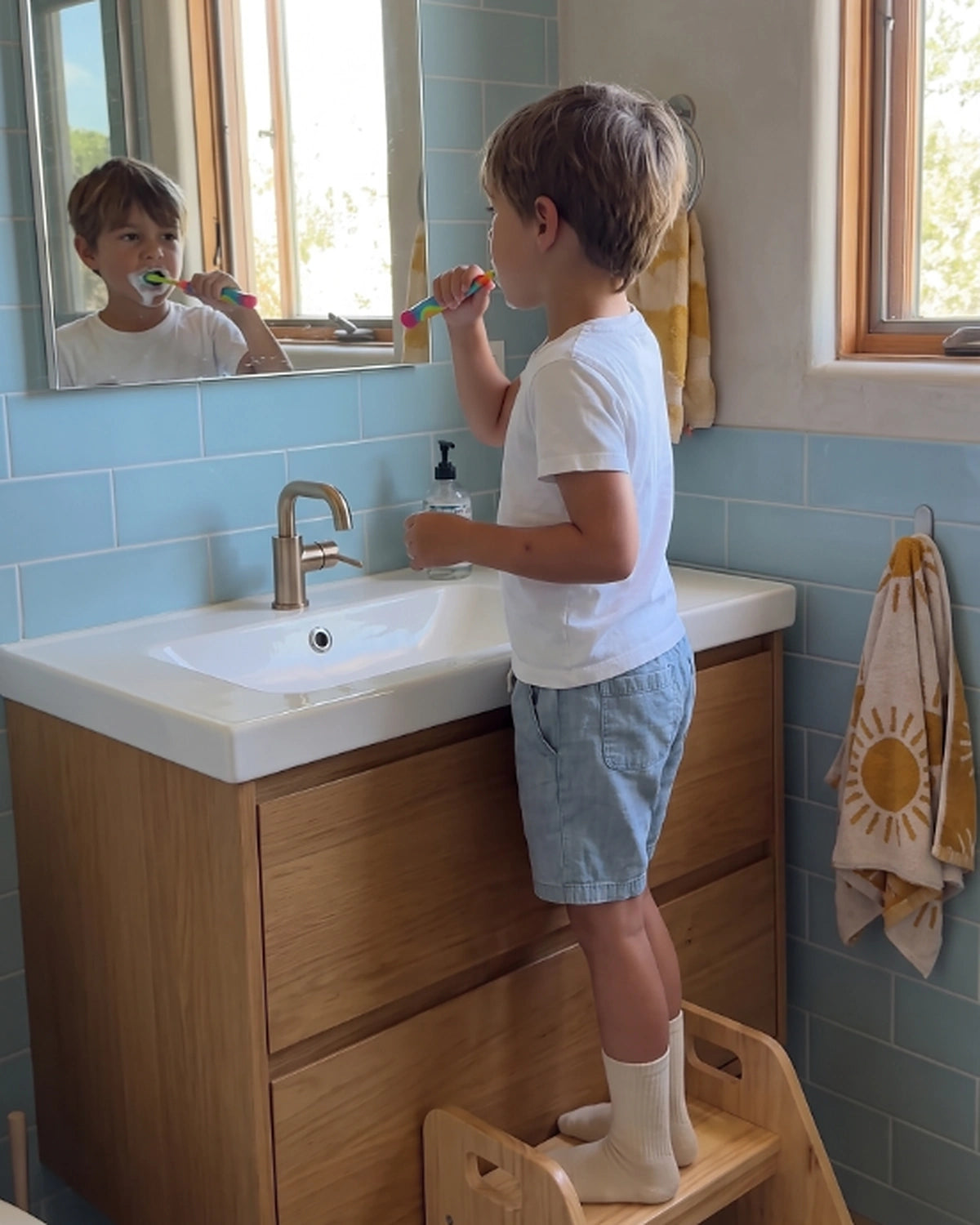
See Cotoala in real homes, helping with the small routines that shape the day—from morning wash-ups and meals to playtime and clean-up.
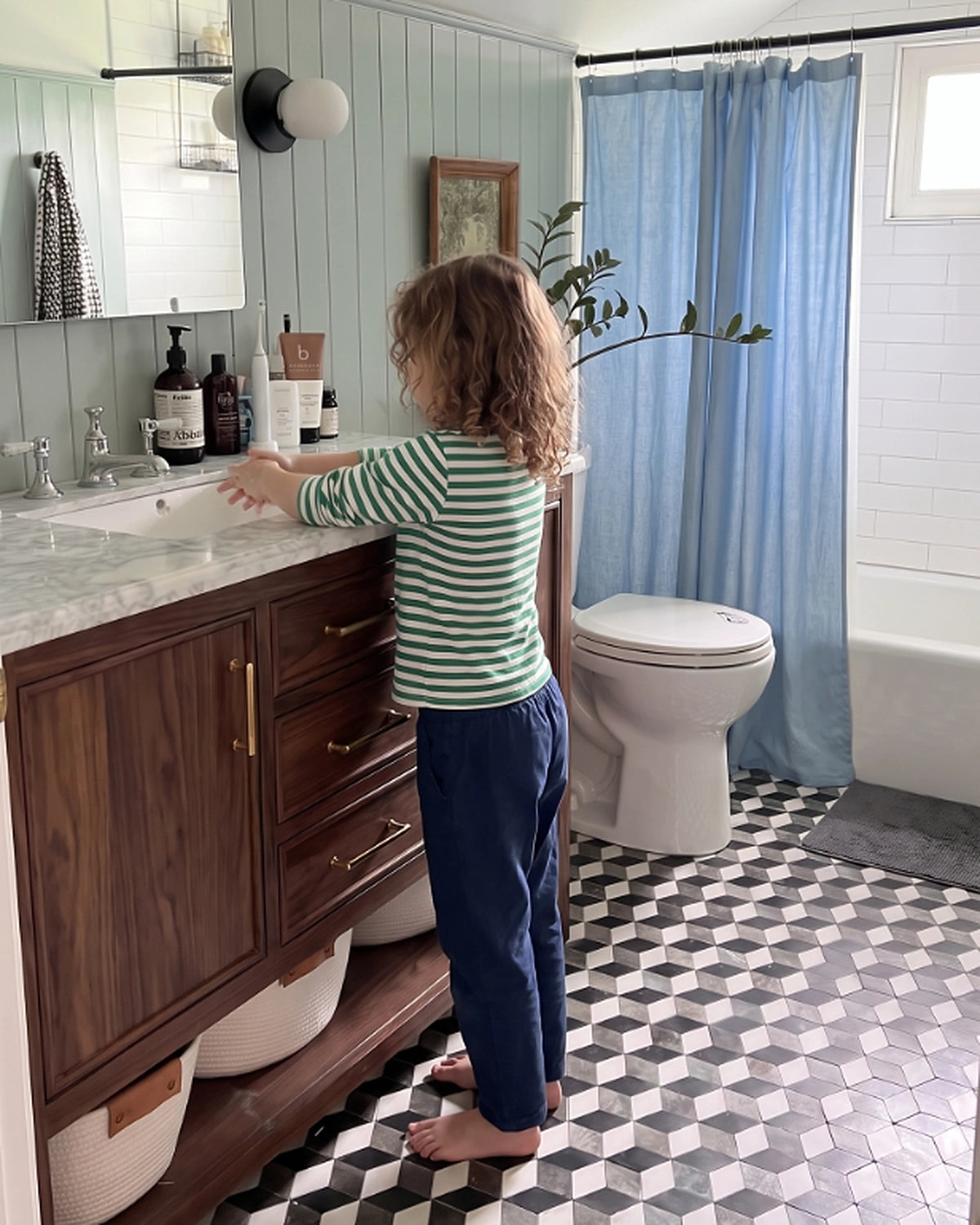
Ring, Wash, Done.➜
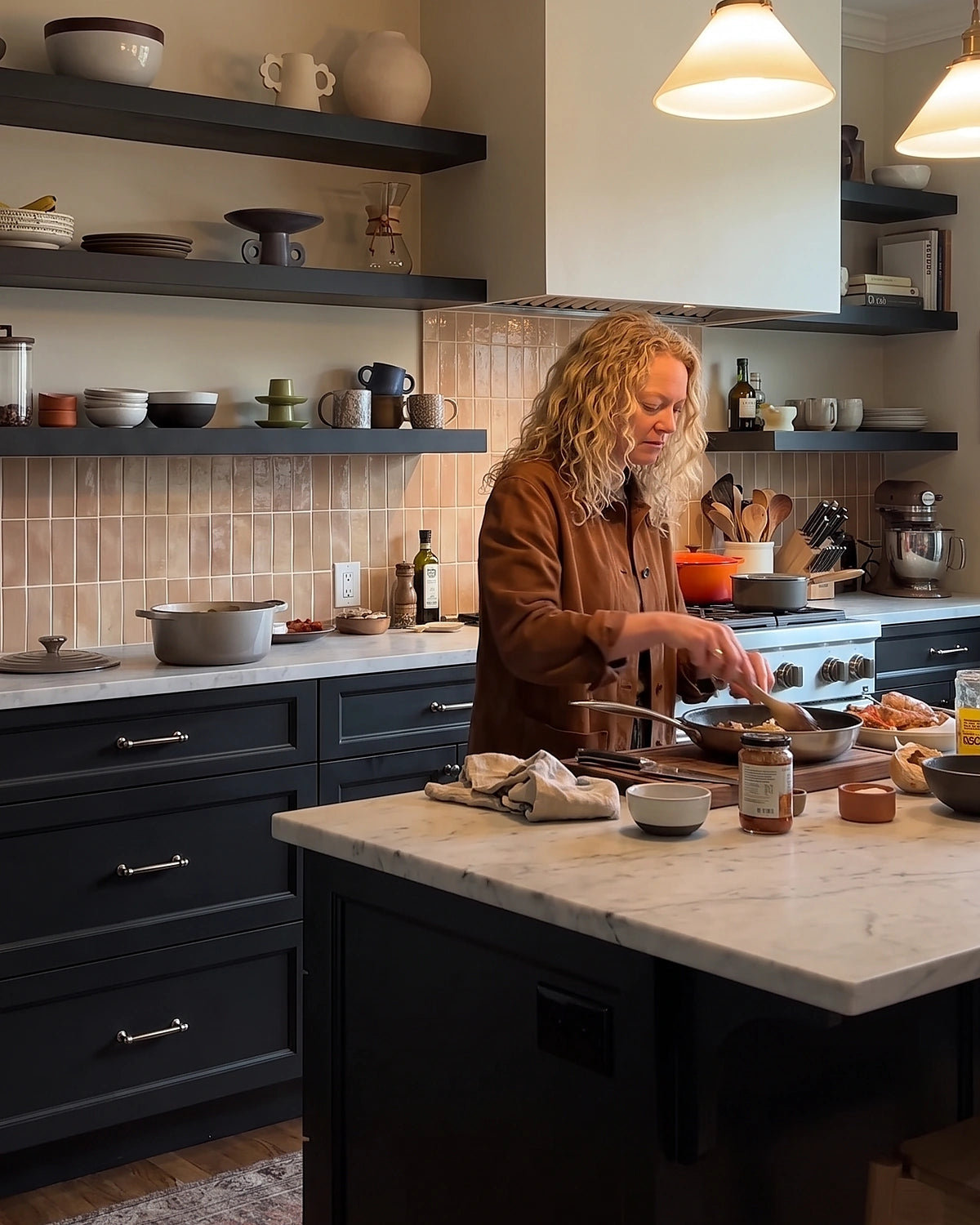
Set, Cook, Serve.➜
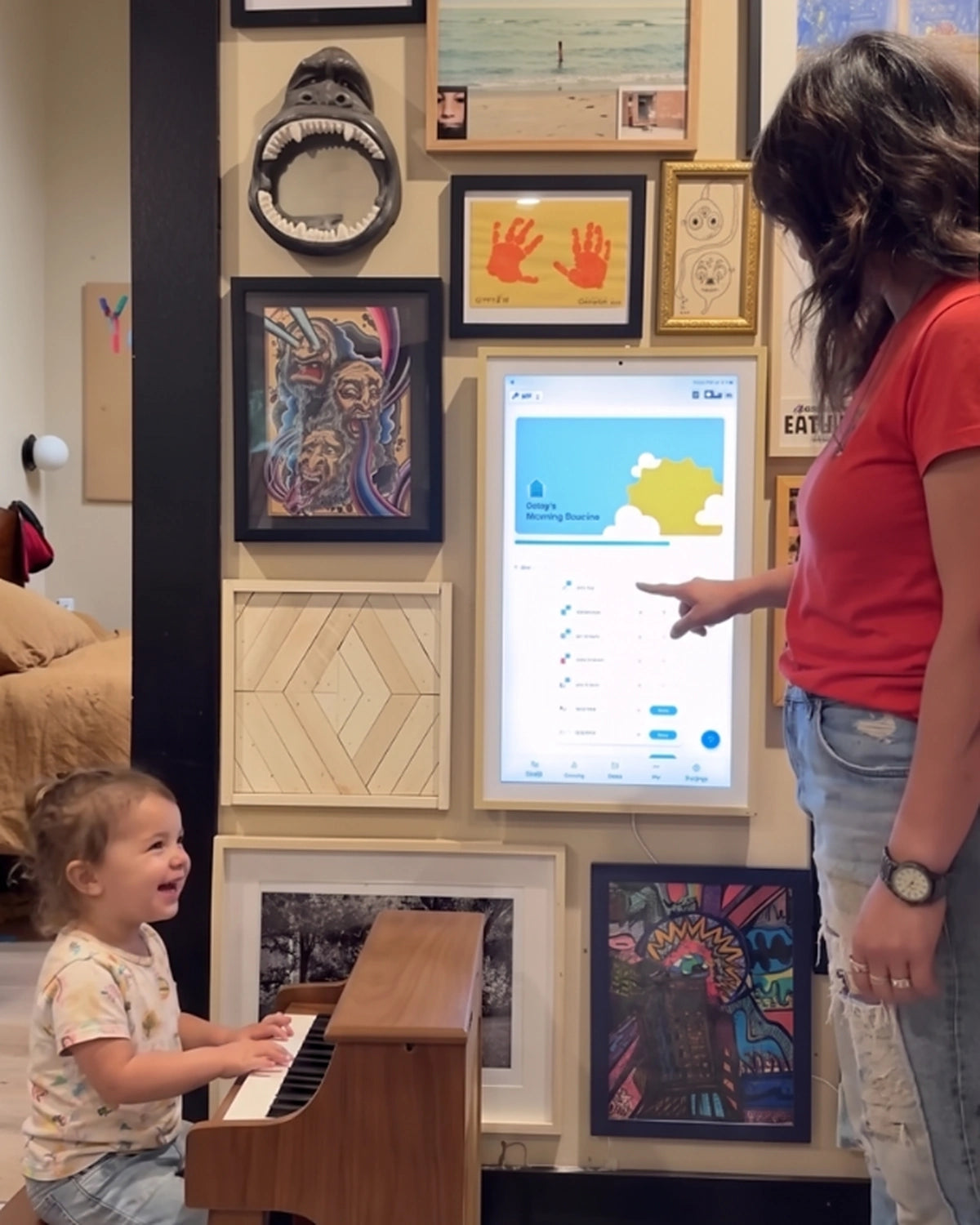
Tap, Play, Done.➜
Ping, Clean, Gleam.➜
Made for Kids. Built for Family Life.
Easy to set up, simple for kids to use, and connected wherever family life happens—Cotoala fits into your home today and keeps getting better over time.
Ready in Minutes
Set up Cotoala in minutes and bring your family’s calendars, routines, and lists into one clear home screen.
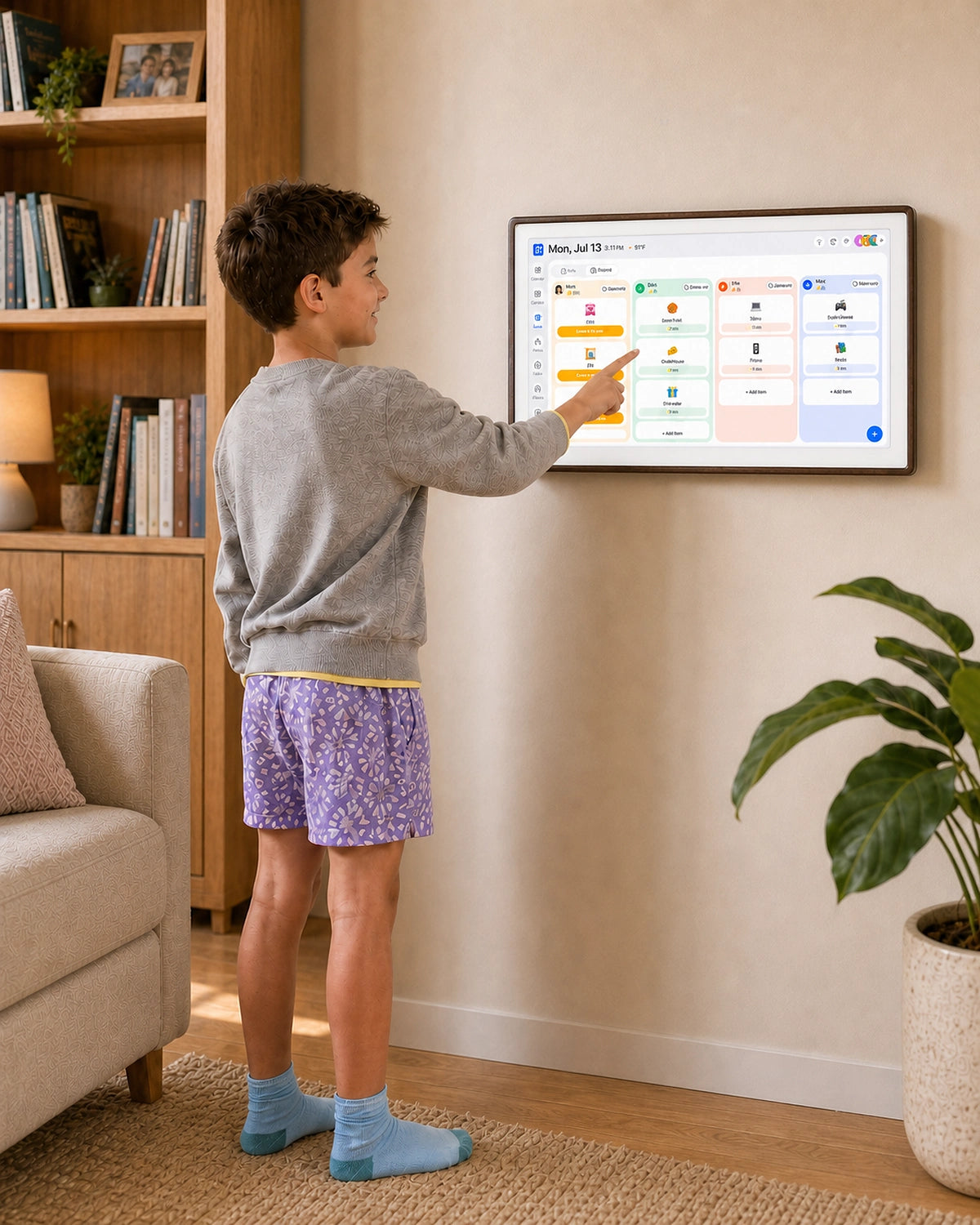
Easy for Kids to Use
Kid-friendly icons and visual checklists make it easy for children to see what’s next, complete tasks, and build independence on their own.
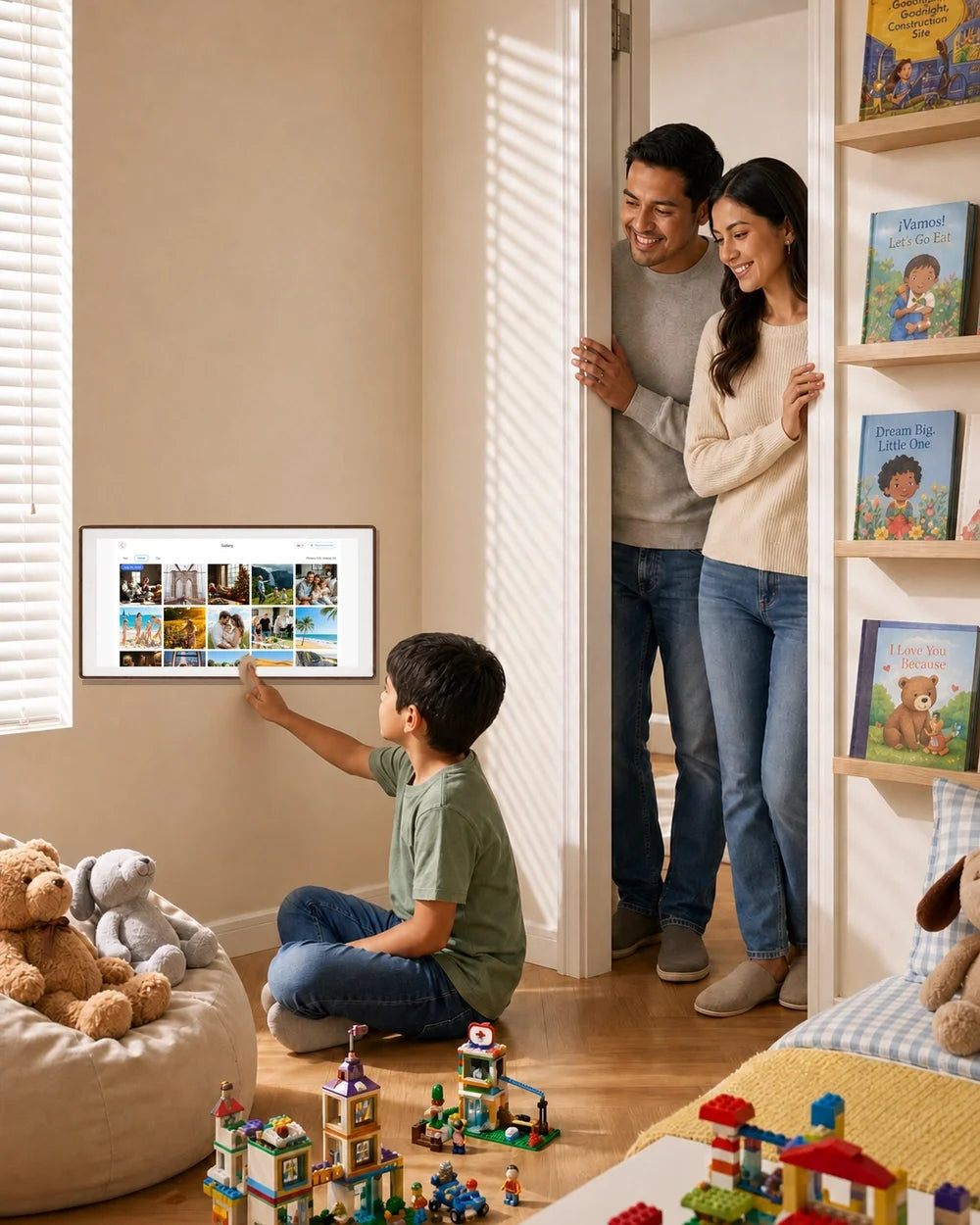
Stay Connected Anywhere
Update routines, check off to-dos, and keep plans current from your phone—so home stays in sync even when you’re away.
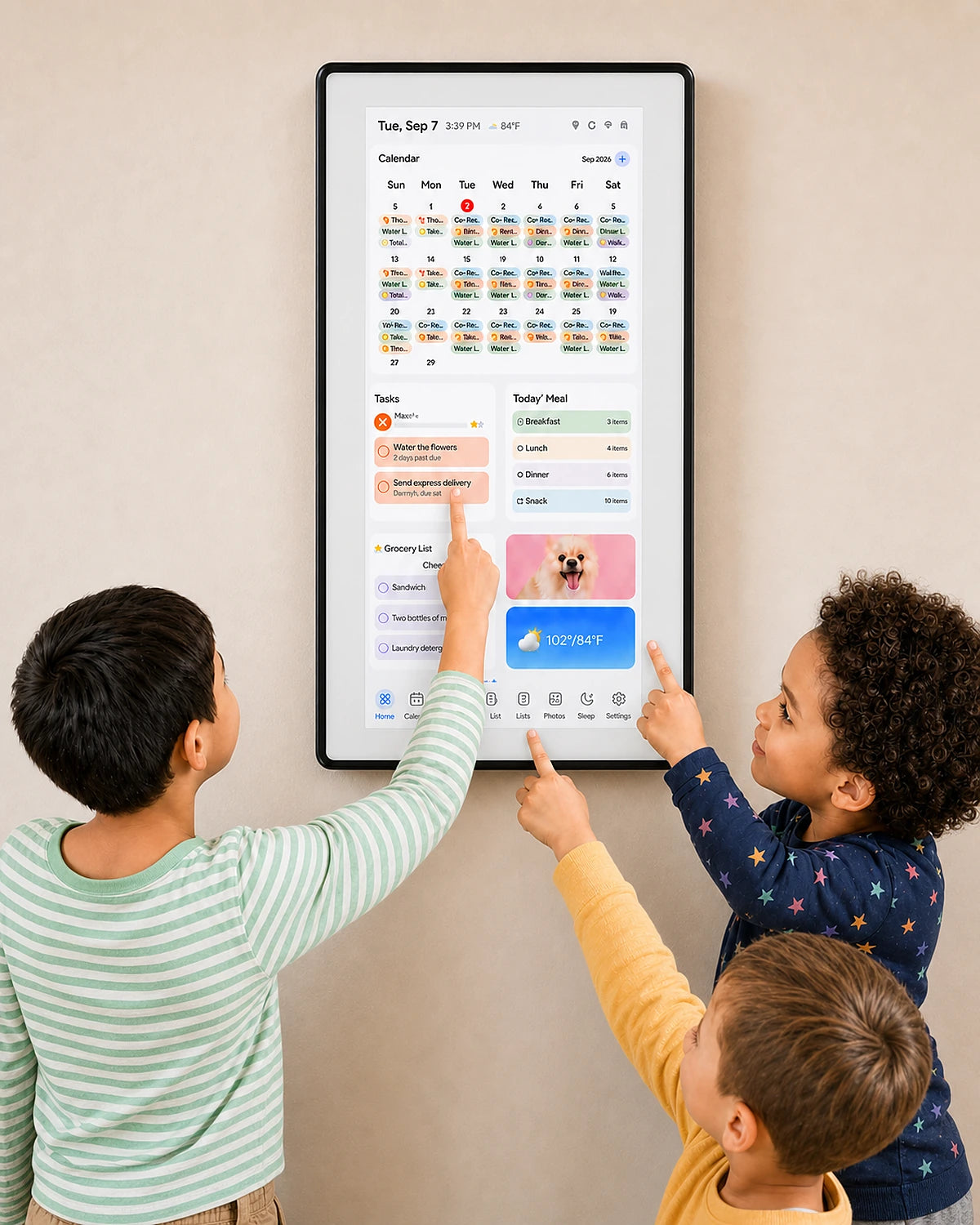
Built to Keep Getting Better
Automatic updates bring new improvements over time, helping Cotoala stay useful as your family’s routines and needs change.

Routines They Can Own
Cotoala shows kids what’s next—so they stay on track with less help from you.
Unlock The Full Experience
Built for Today, Ready for Tomorrow.

Help Center
How Do I Download The FotoCube App?
The FotoCube app is free and available on both iOS and Android. Simply search for “FotoCube” in the App Store or Google Play to download it. Once installed, create an account with your email address and follow the in-app instructions to pair your Cotoala calendar. The app is required to sync calendars, switch modes, send photos, and manage most features.
Does My Cotoala Calendar Need To Stay Plugged In?
Yes. Your Cotoala Smart Family Calendar needs to remain plugged in at all times using the included DC power adapter. Reminders, calendar sync, and photo sharing pause when the device is unplugged and resume automatically once it restarts. Please use the included DC adapter — the USB-C port on the back is reserved for firmware upgrades only and does not provide power.
Does Cotoala Work Without A Wi-Fi Connection?
A Wi-Fi connection is required for calendar sync, real-time reminders, and photo sharing via the FotoCube app. However, you can import photos and videos offline using an SD card or USB flash drive (up to 512GB, not included) without any internet connection. We recommend keeping your calendar connected to Wi-Fi at all times for the best experience.
Is The FotoCube App Really Free? Are There Any Subscription Fees?
Yes — completely free, forever. Every feature on your Cotoala calendar is included at no extra charge. There are no monthly fees, no subscription tiers, and no features locked behind a paywall. You pay once for the device and that’s it.
How Do I Send Photos And Videos To My Cotoala Calendar?
Open the FotoCube app, select photos or videos from your camera roll, choose your Cotoala device, and tap Send — they’ll appear on the screen within seconds from anywhere in the world. You can send up to 100 photos per transfer and videos up to 5 minutes long. Alternatively, copy files to an SD card or USB flash drive and insert it directly into the back of the device for offline import.