


This digital calendar has kept our family so organized. We are a busy family and we are so organized now.
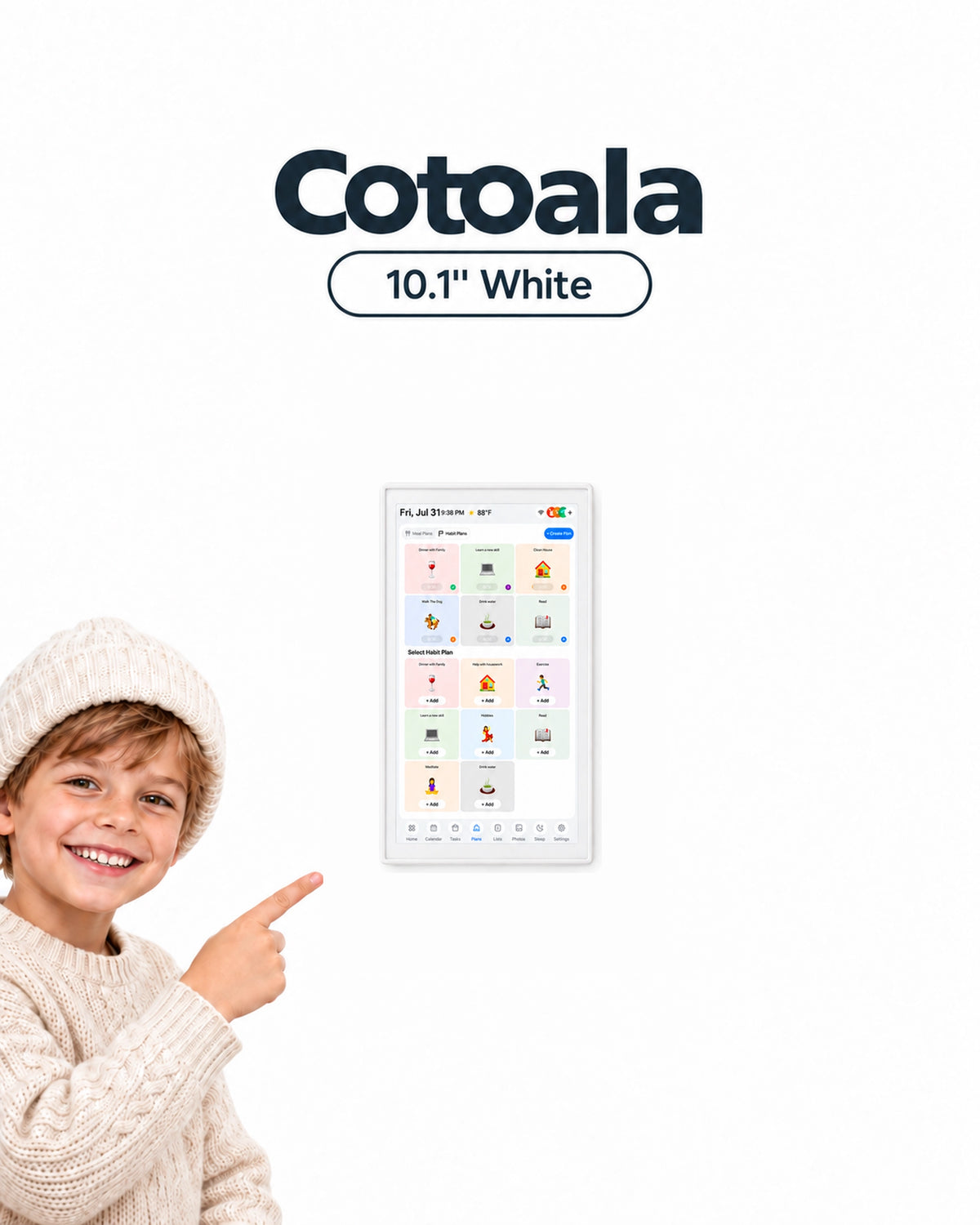

Cotoala 10.1" Smart Digital Calendar
$69.99
One price. No monthly subscription.
Click "Add to Cart" to see the discounted price; the discount will be applied automatically without any further action required.
Free shipping on the entire order, and the displayed price already includes taxes.
Why it's worth buying?
Seamlessly Auto-Syncs With


 Ships in 1-2 Days
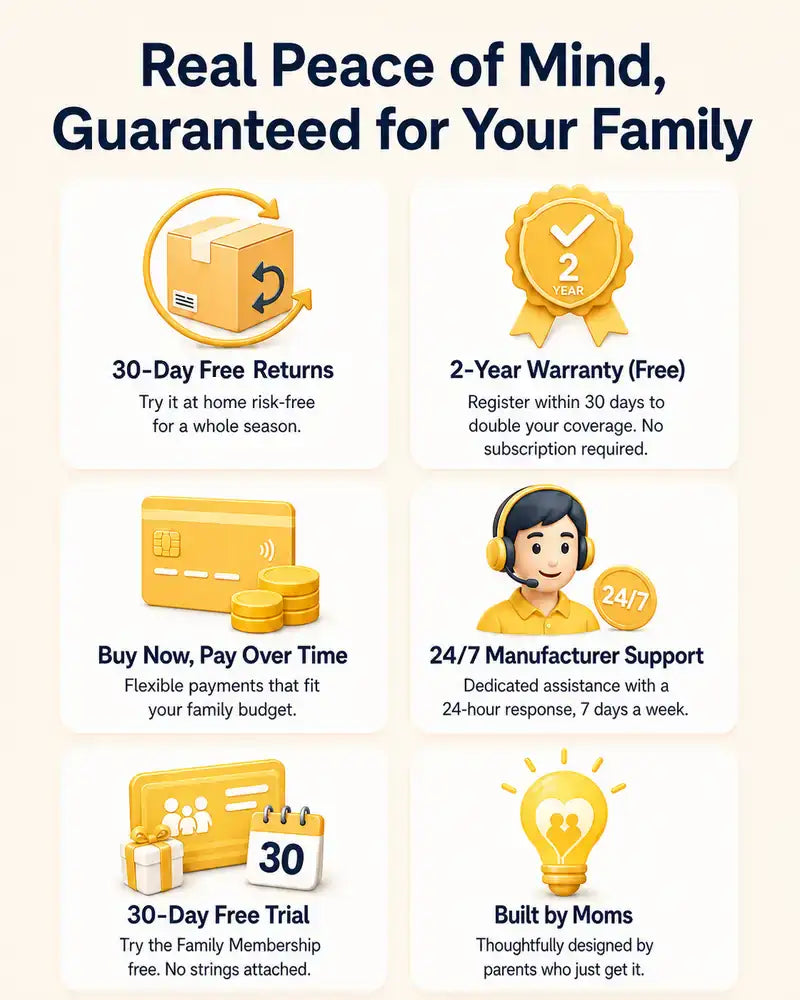
 30-Day Return Policy
 2-Year Warranty
 Easy Setup in 10 Minutes
Key Specifications
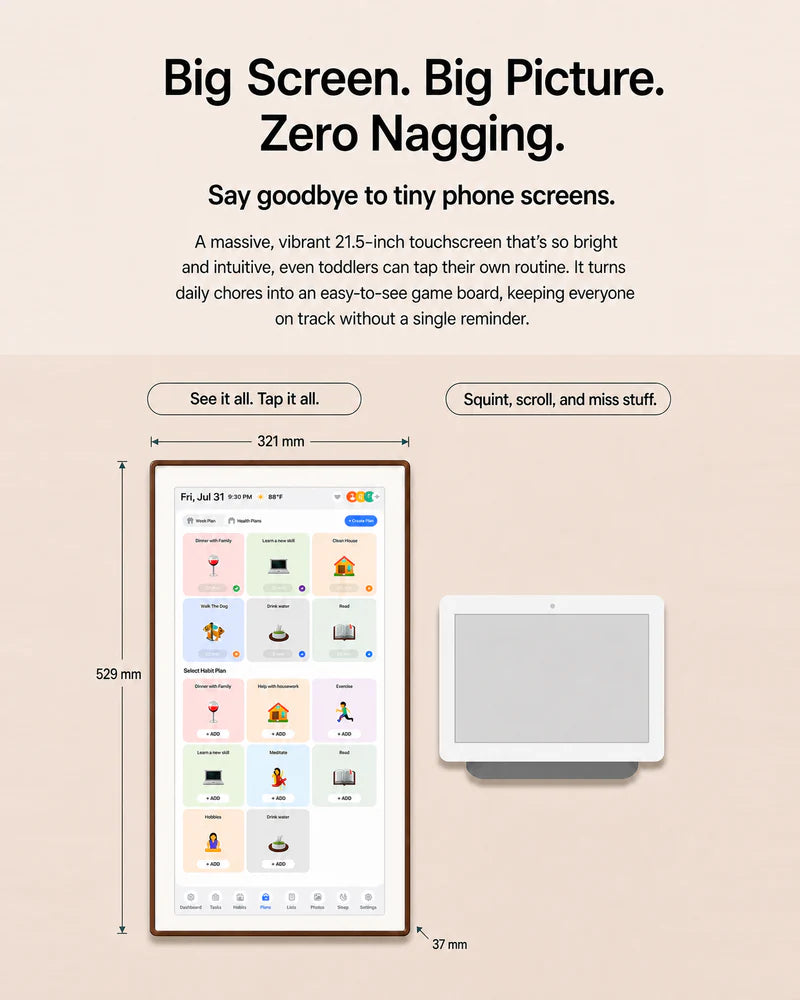
Display: 21.5" FHD 1920*1080 IPS touchscreen with 10-point capacitive touch (G+G).
Processor: Quad-Core Arm Cortex-A53 (up to 1.7GHz) with PowerVR GE8300 GPU.
Storage: 2GB RAM + 32GB ROM (eMMC).
Connectivity: Dual-band WiFi 2.4G/5G and Bluetooth (WiFi/BT combo module).
Interfaces: TF card slot, USB port, DC-in (12V/2A).
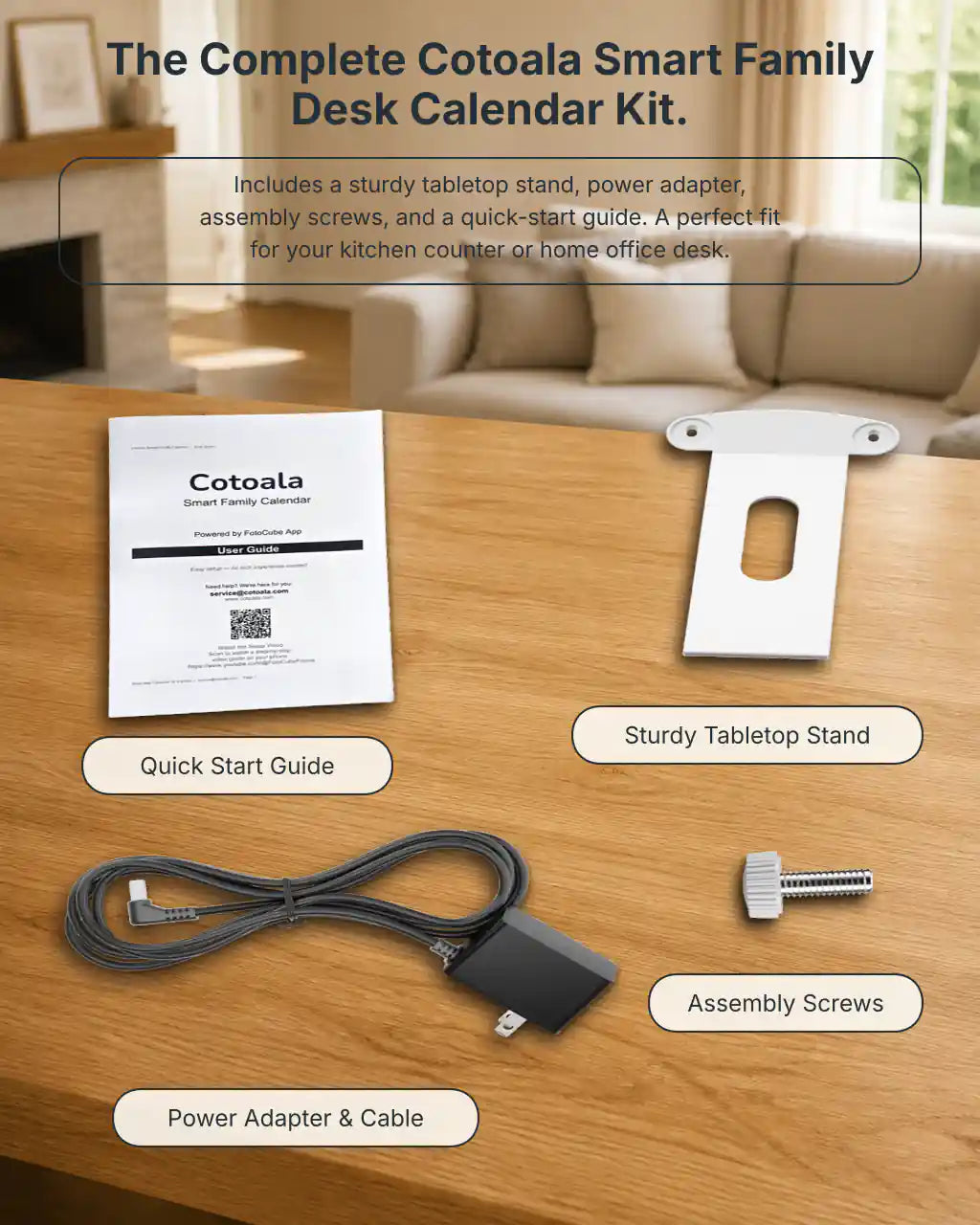
Mounting: 529x321x37mm. Includes desktop stand and VESA mount (100x100mm) for wall installation.
Certifications: Built to last with CE and FCC certifications (testing includes 4K electrostatic contact and 8K air discharge).
30-Days Free Returns
• 30 Days Free Returns: Try it at home risk-free.
• Manufacturer Support: Ongoing updates and dedicated customer assistance.
More Than a Calendar
More than a calendar.
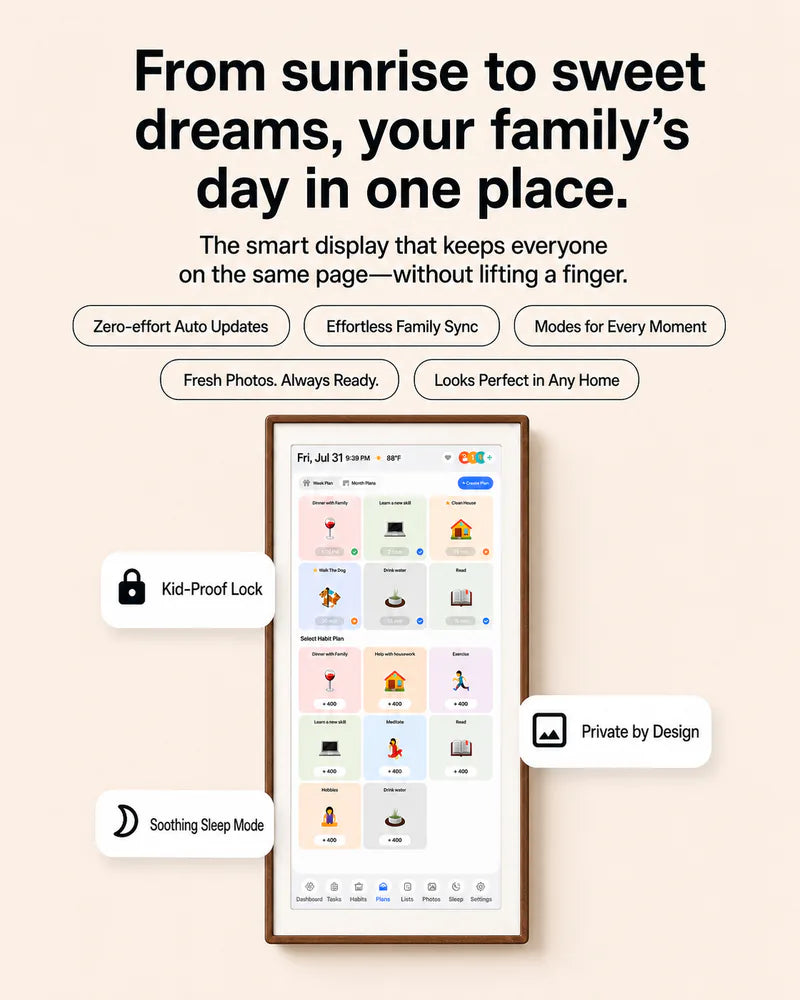
The Cotoala 21.5″ Smart Family Calendar is your shared family hub—bringing clarity, connection, and cohesion to your home’s most important spaces.
No Hidden Fees / No Subscriptions
- No Hidden Fees / No Subscriptions: All core features are completely free forever. No monthly fees, no locked features.
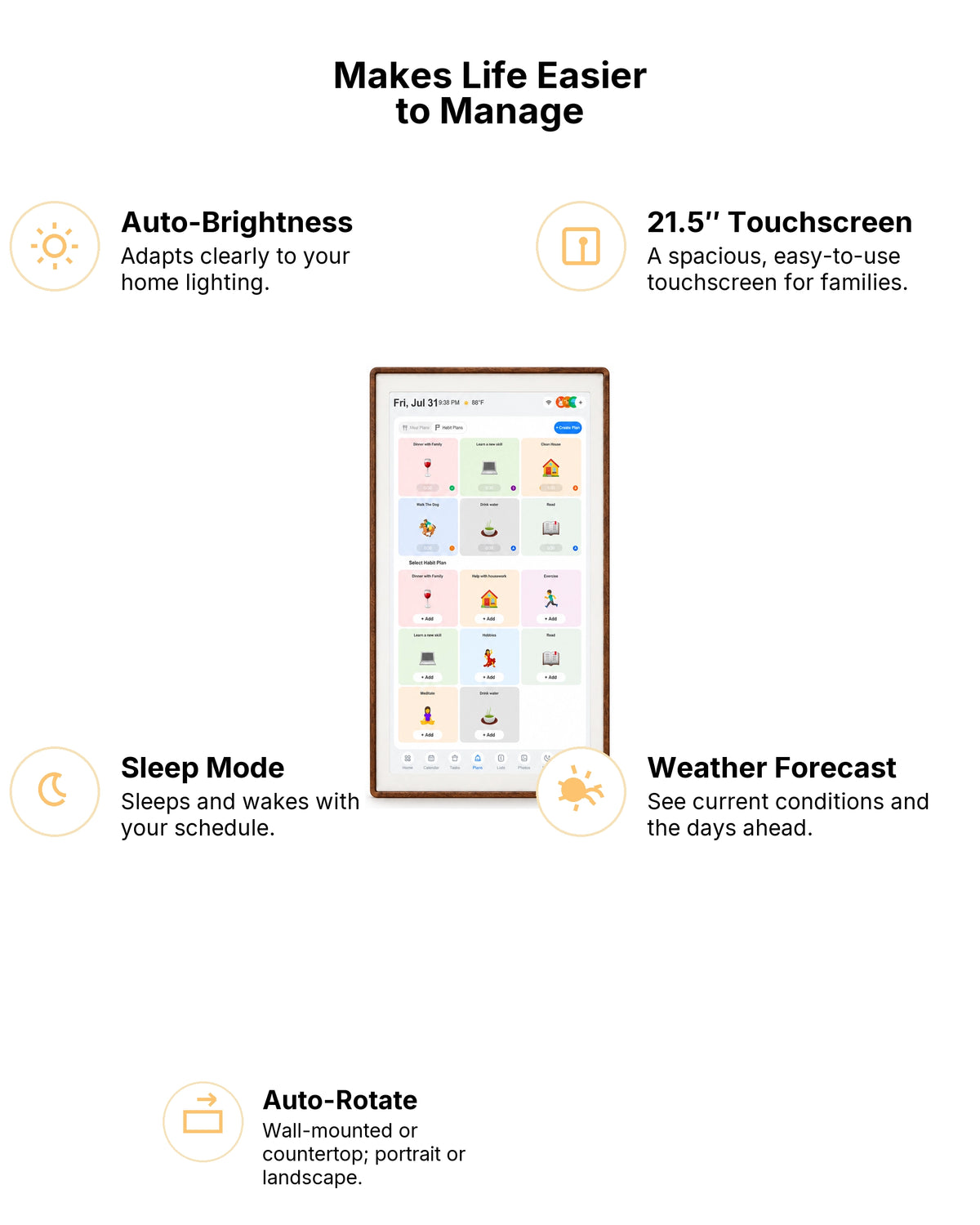
- Advanced Android System: Powered by an Android-based OS, offering a smooth user experience.
- Multilingual Support: Built-in multi-language settings to cater to diverse households.
- FotooCube System: Enjoy the powerful, pre-installed FotooCube multimedia display system.
- Versatile Media Playback: Easily load photos and videos via USB drive or TF card. Supports a wide range of formats (JPG, PNG, MP4, MP3, etc.) for effortless offline playback.
- Multi-touch & Customization: 10-point touch allows for intuitive interaction, letting you swipe, zoom, and customize your display exactly how you like it.




Real Life, Made a Little Easier
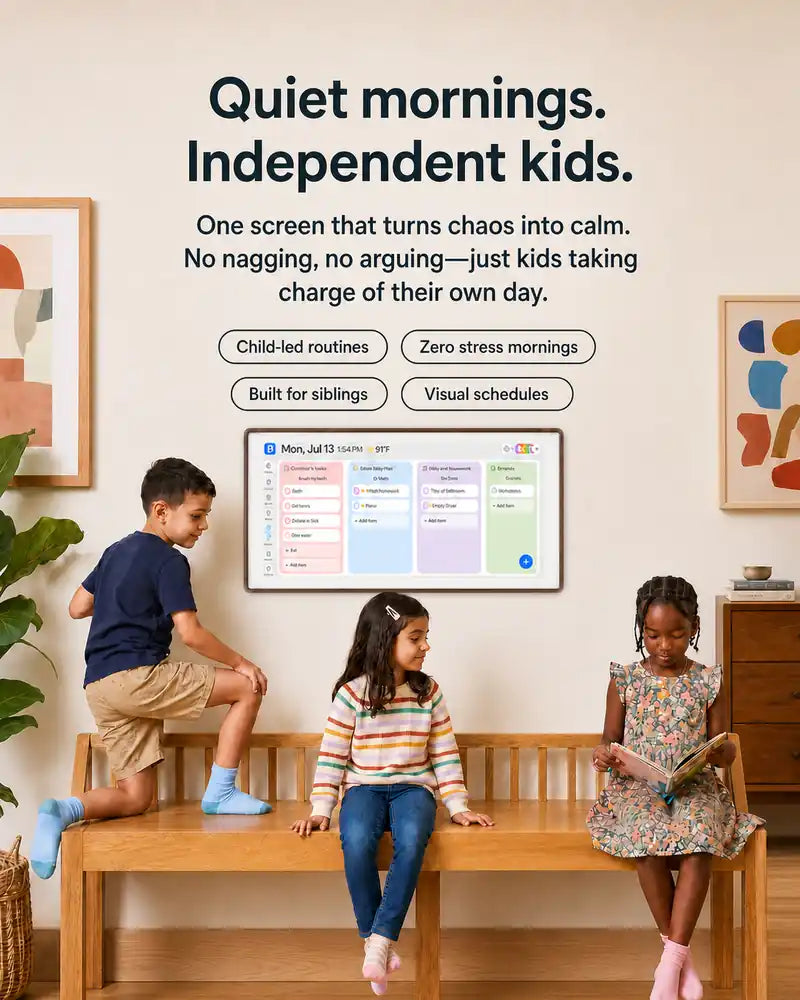
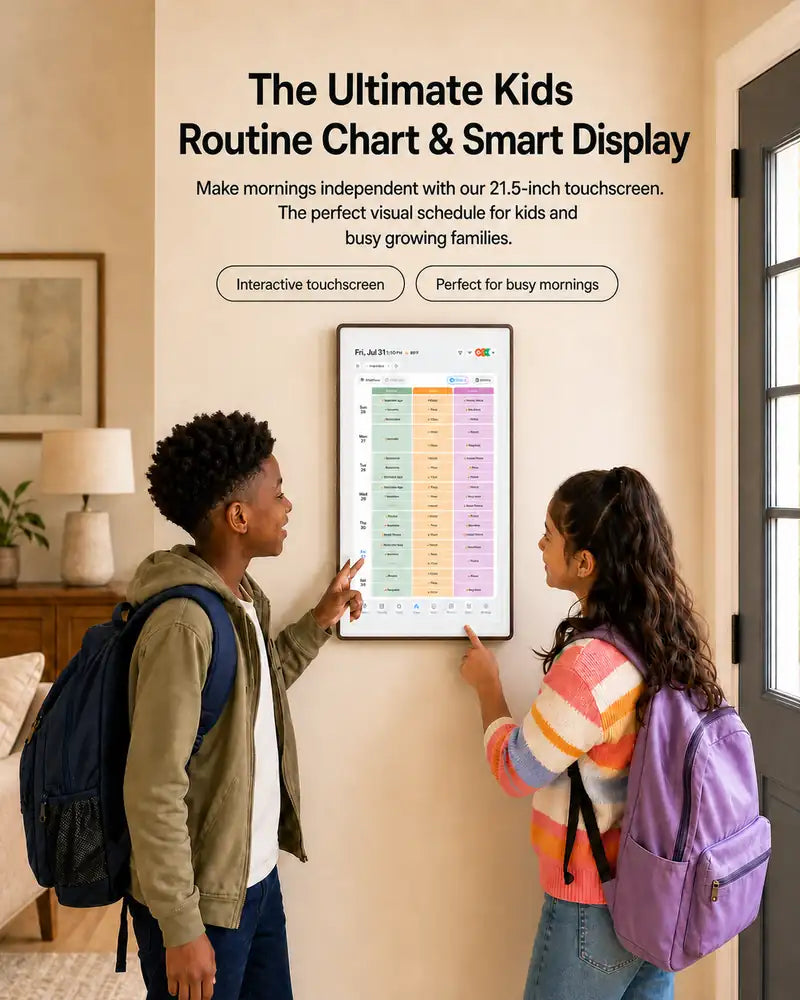
From the morning rush to dinner prep and bedtime clean-up, Cotoala helps families turn everyday routines into moments kids can do with confidence.
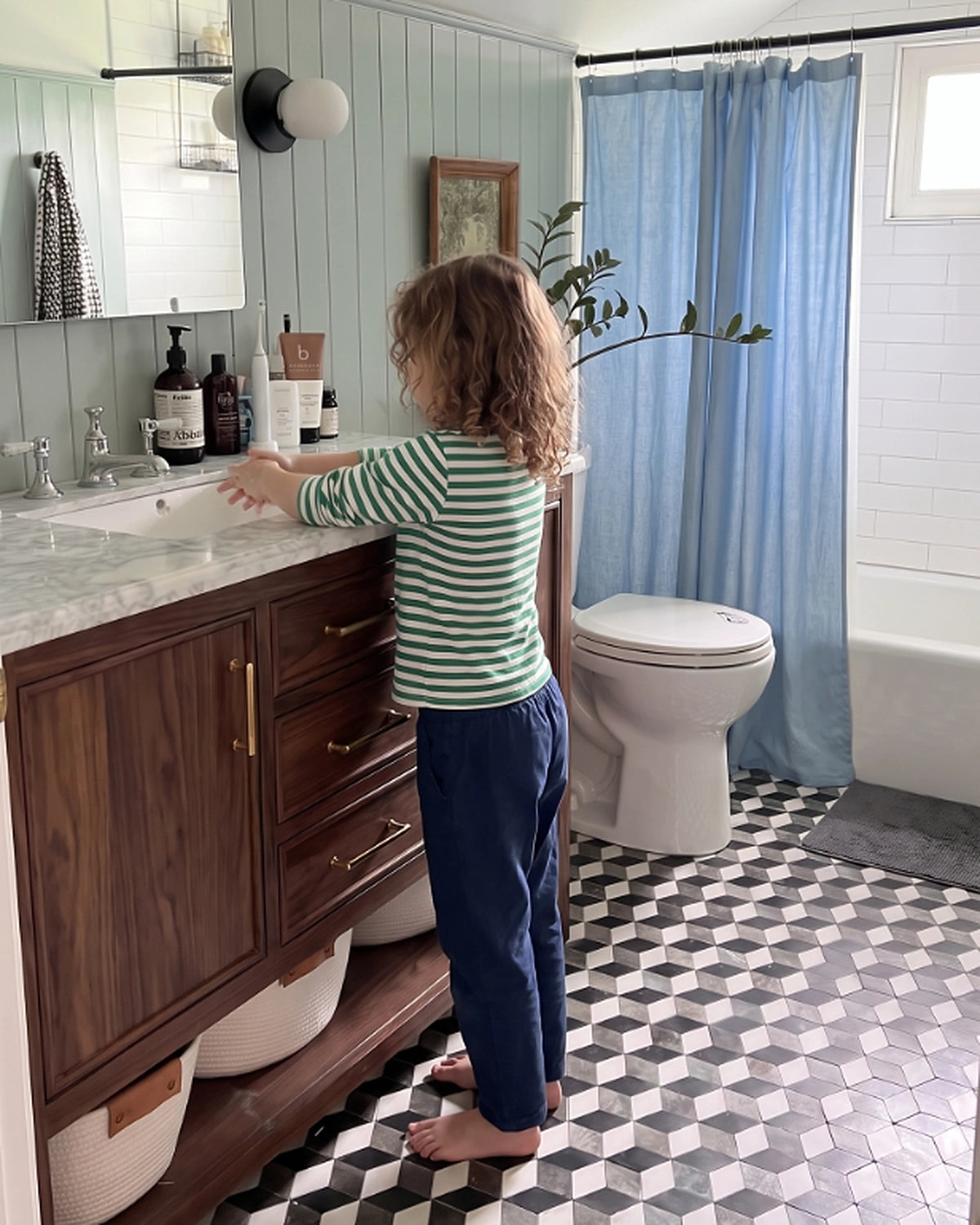
Before School: A Bathroom Routine They Can Own
Start the day with less reminding—and more “I did it myself.”
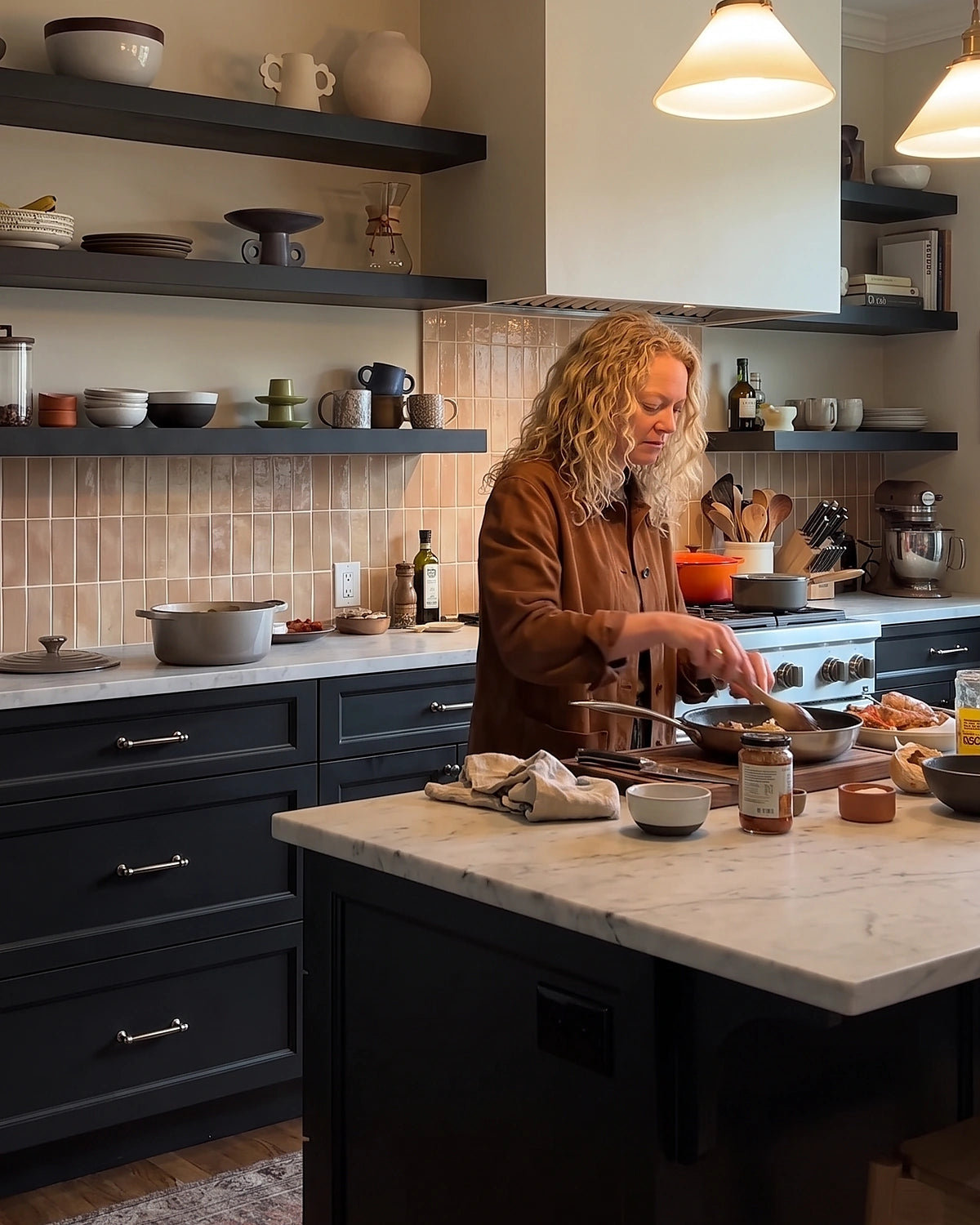
Dinner Prep: Little Hands, Real Help
Give kids a simple role in the kitchen while you keep dinner moving.
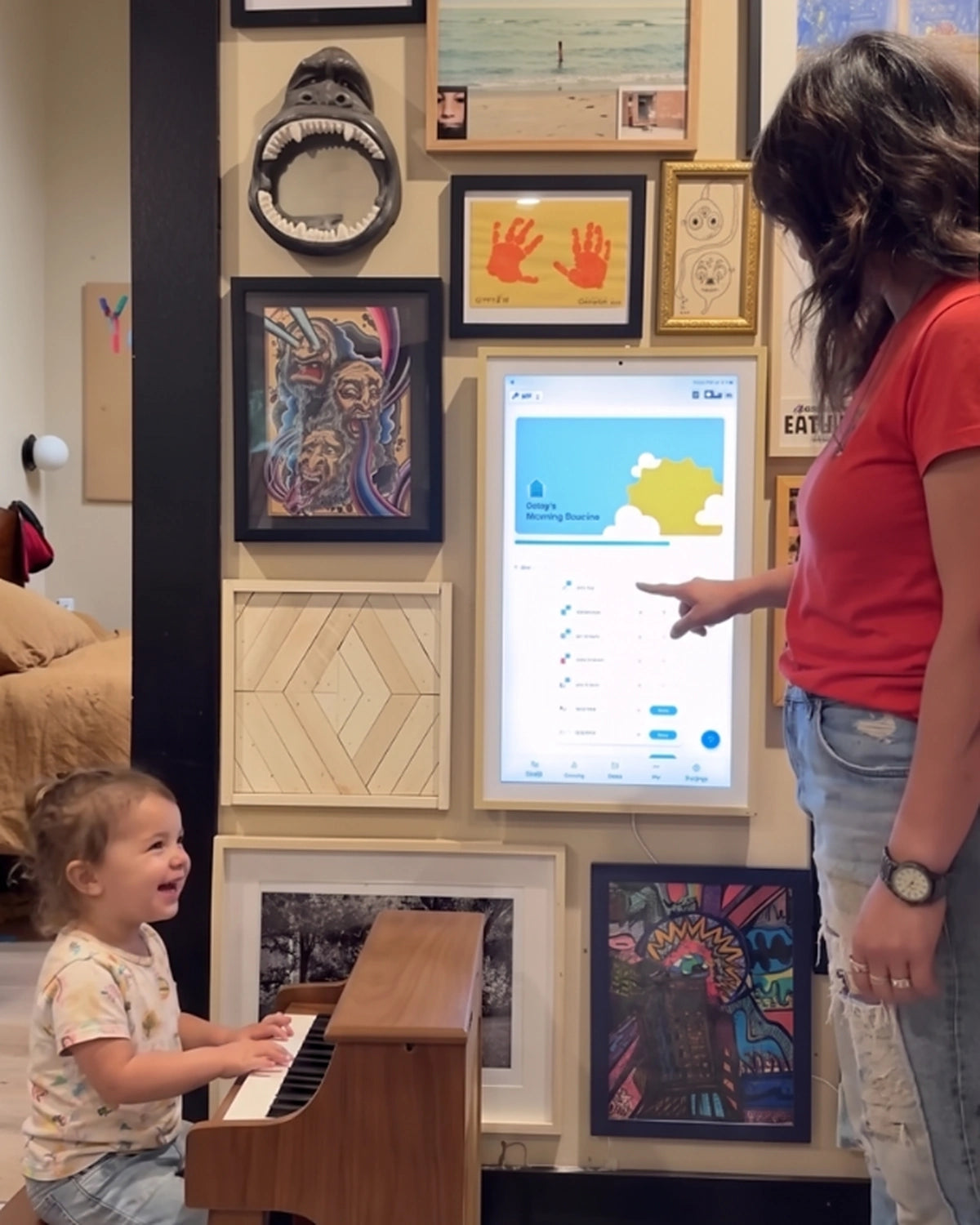
When They Need Something to Do: Play With Purpose
Turn a few spare minutes into independent, engaging play.
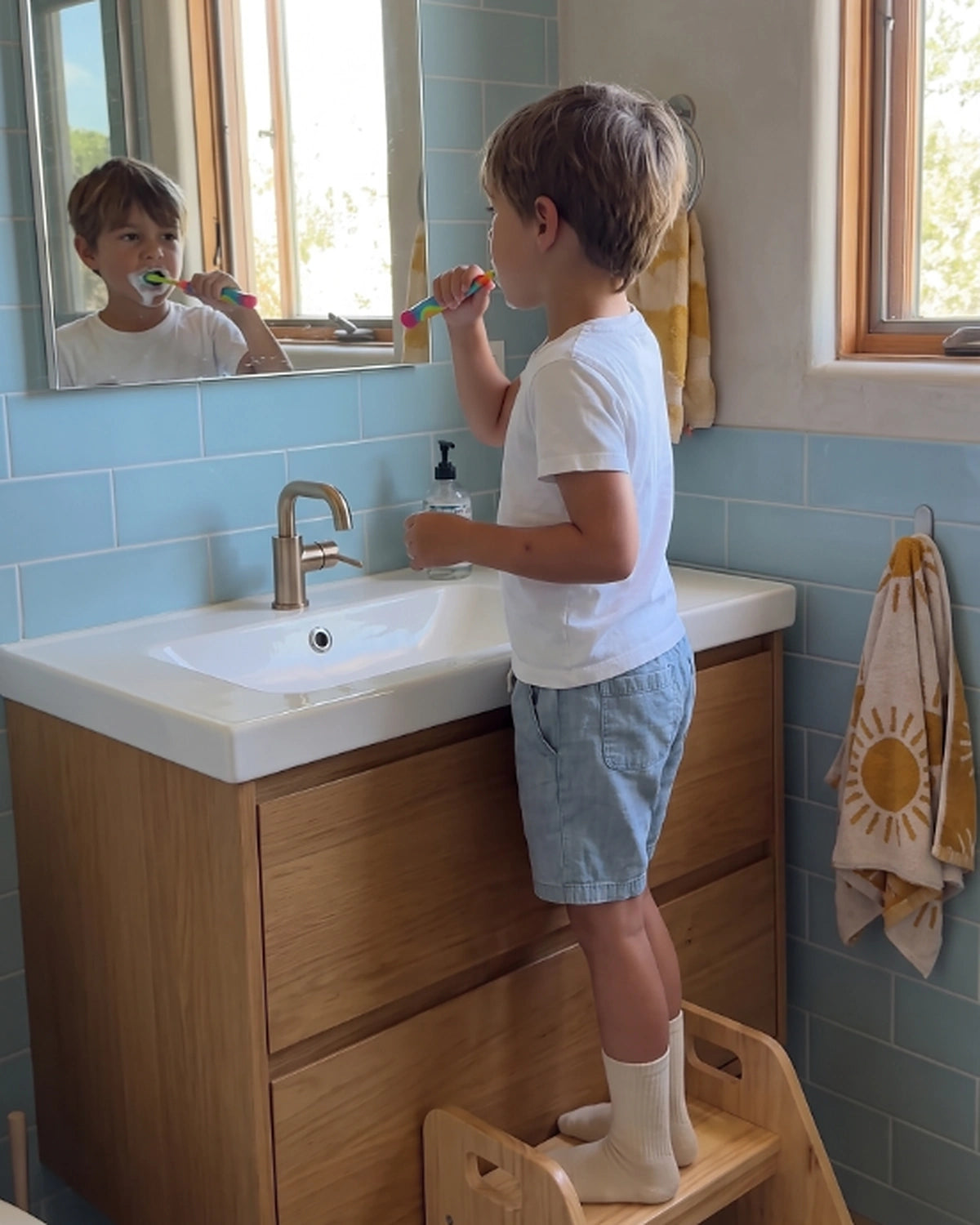
After the Mess: Clean-Up Without the Negotiation
Make putting things away feel like the natural next step.
All-in-One Family Command Center
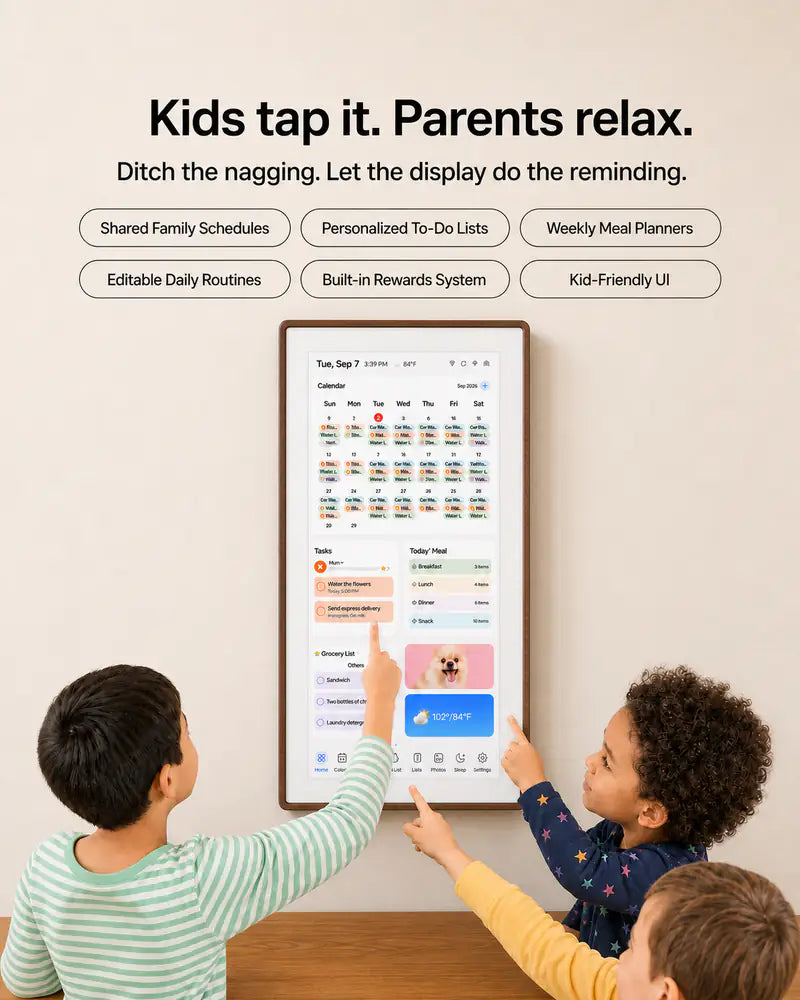
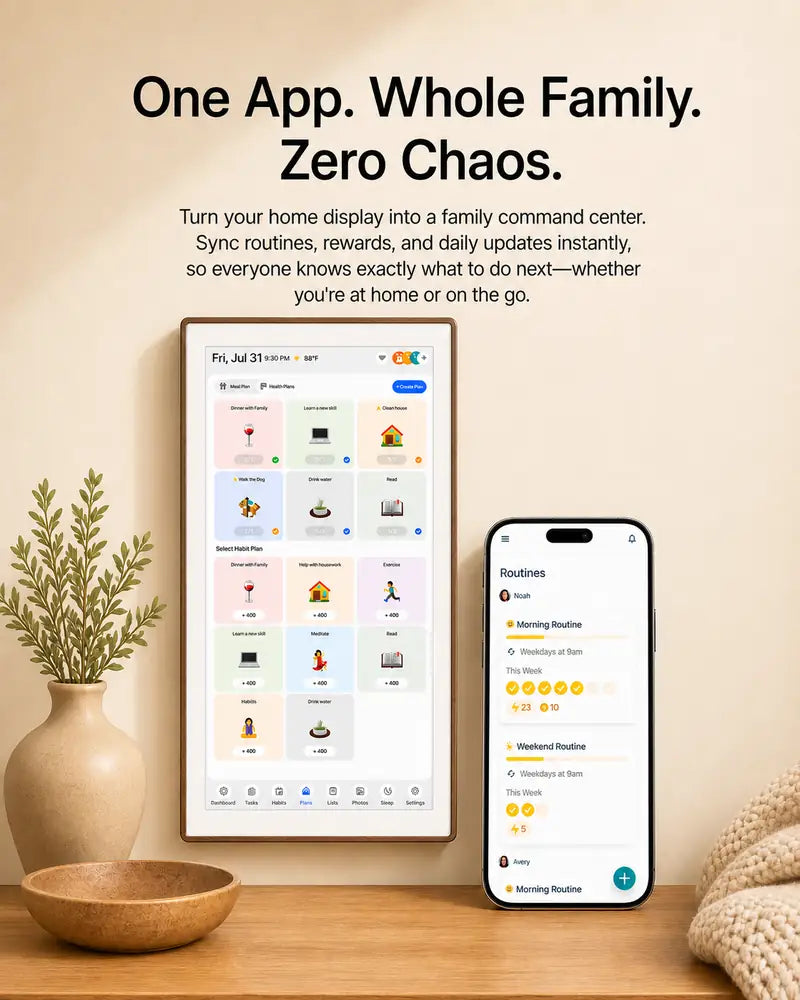
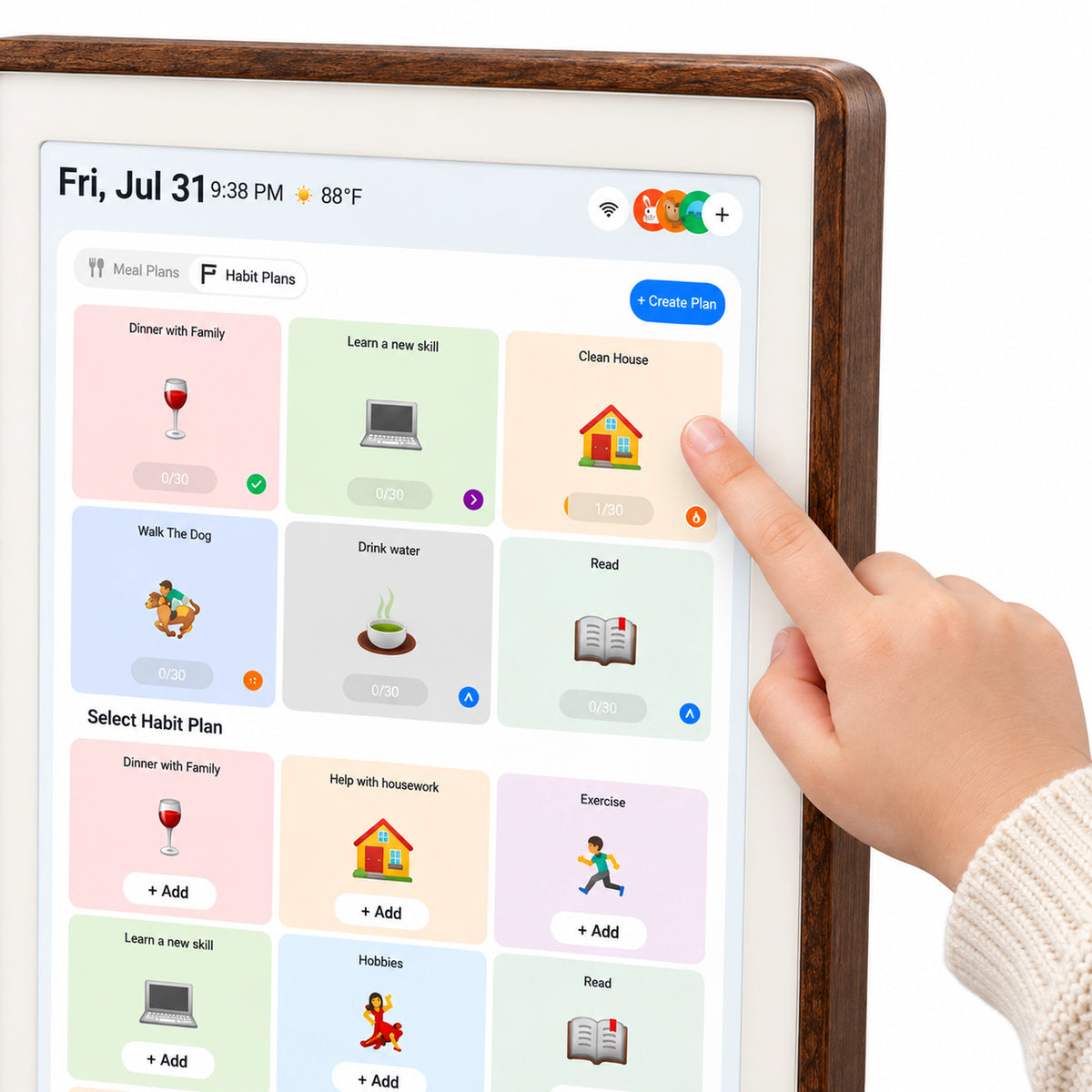
Bring routines, rewards, and family calendar into one view. Kids know what to do, parents spend less time reminding, and everyone stays in sync.
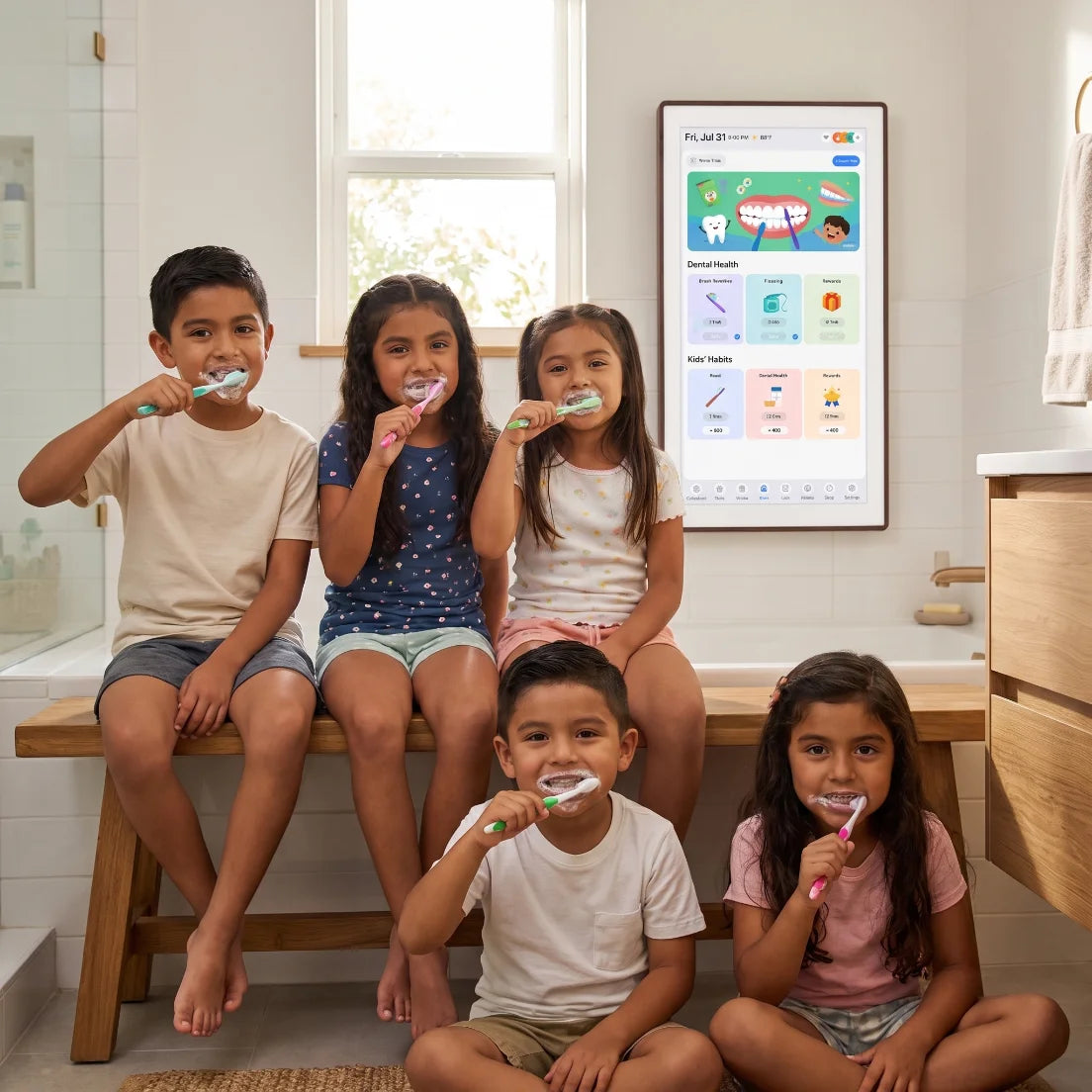
Independence Starts Here
When kids can see and follow their own routines, they begin to feel capable and confident. Cotoala helps turn everyday tasks into healthy habits—one tap at a time.
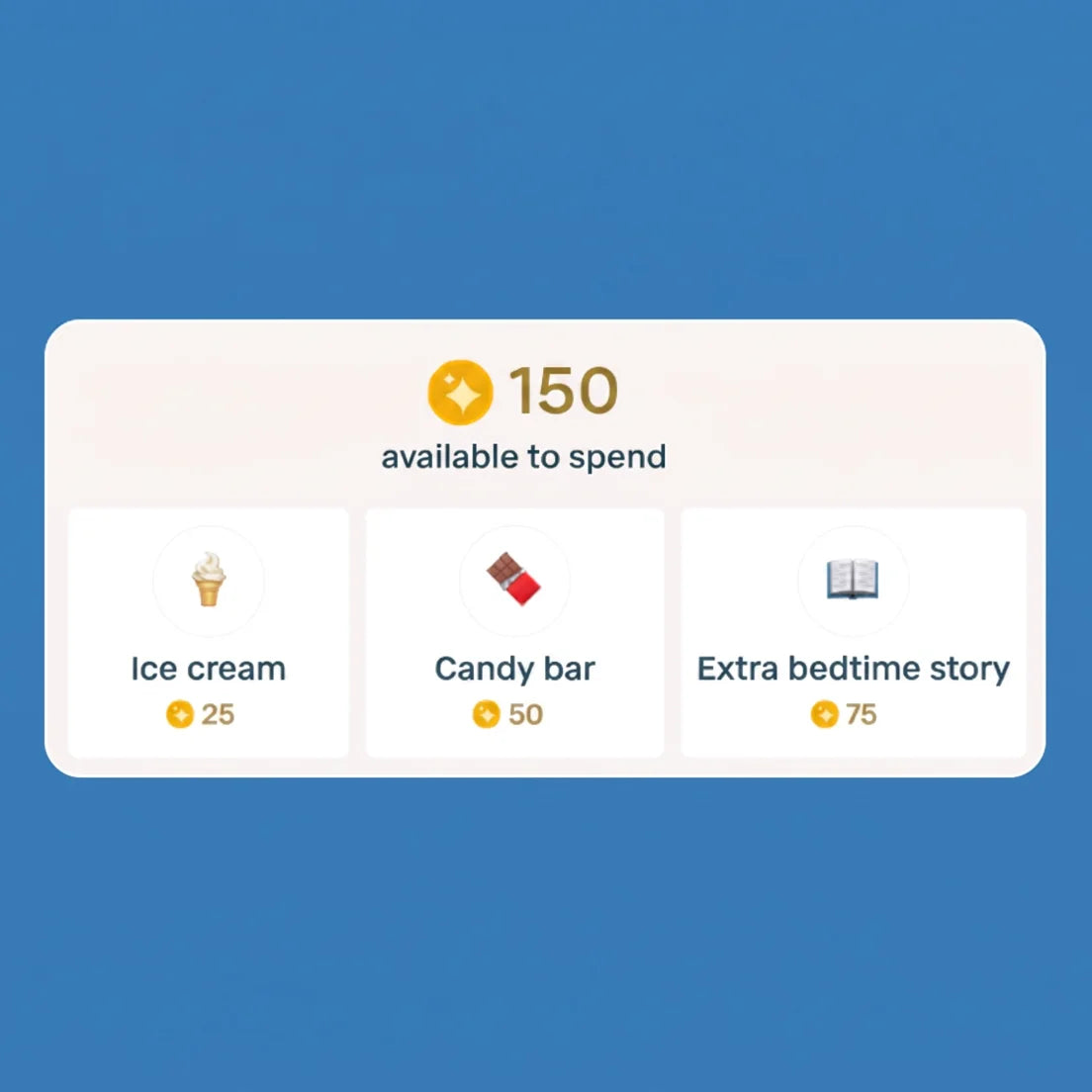
Celebrate Every Small Win
Every checkmark becomes an “I did it!” moment. Streaks and rewards help turn everyday tasks into positive habits kids feel proud to build.
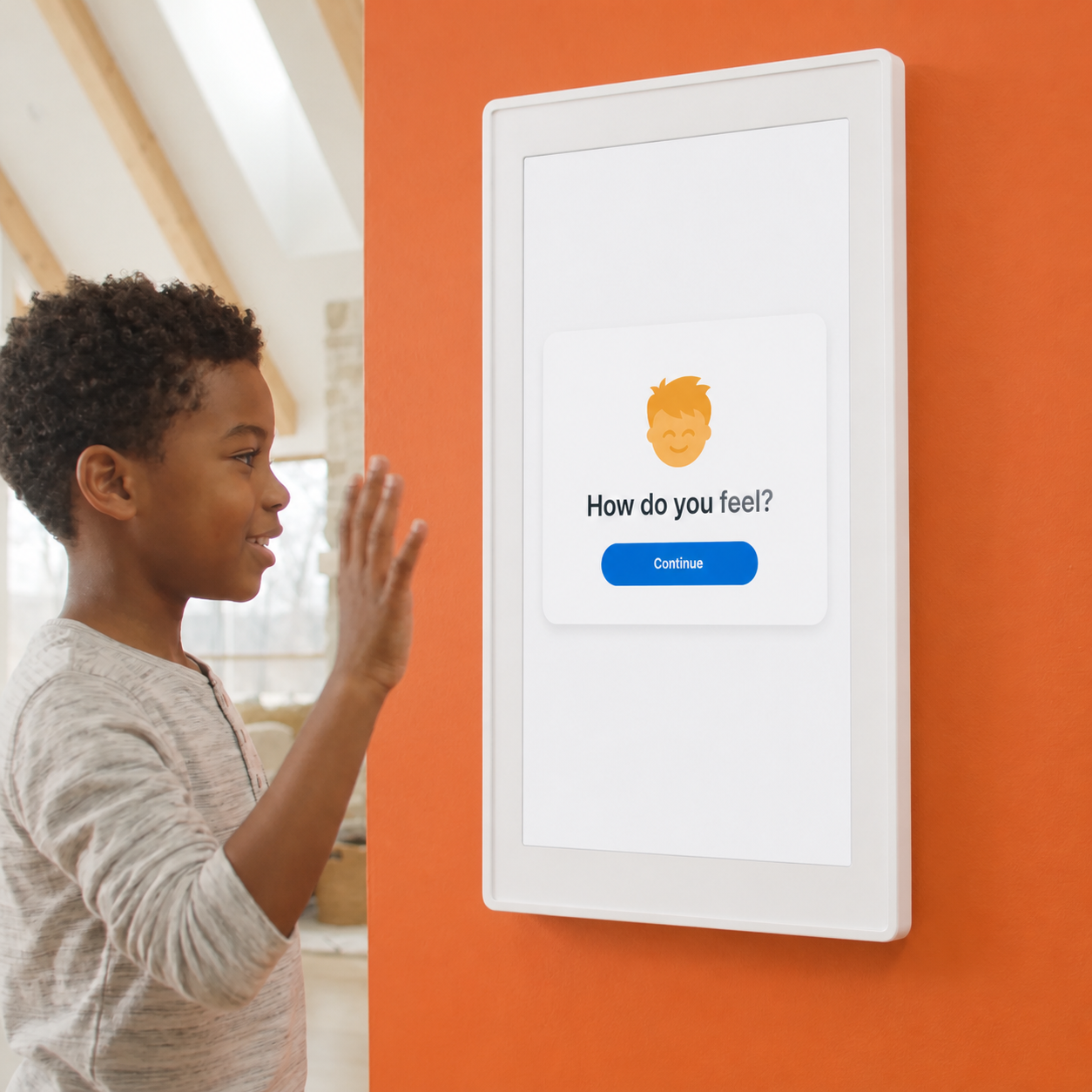
Make Feelings Easy to Share
A quick daily check-in gives kids a simple way to express how they feel as part of their everyday routine.
Designed to Stand Out. Made to Feel Exceptional.
Premium in Every Touch. Brilliant in Every Moment.
From the warmth of its crafted frame to the vibrancy of every pixel, every detail is made to elevate your everyday. A larger immersive display, rich sound, and skin-friendly materials turn simple moments into something you’ll want to experience again and again.
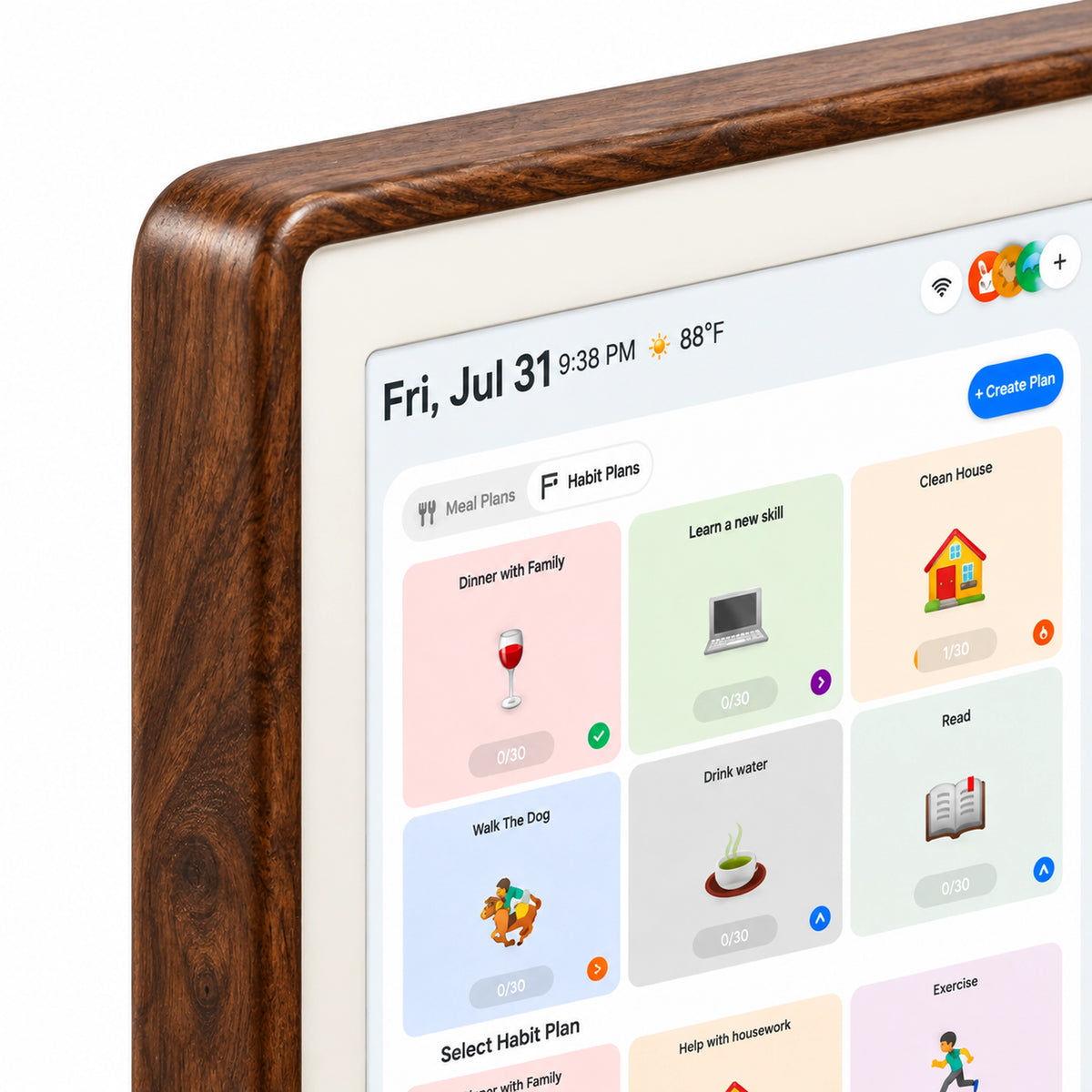
Crafted to be admired.
A refined textured frame that brings warmth, character, and a premium feel to any space.
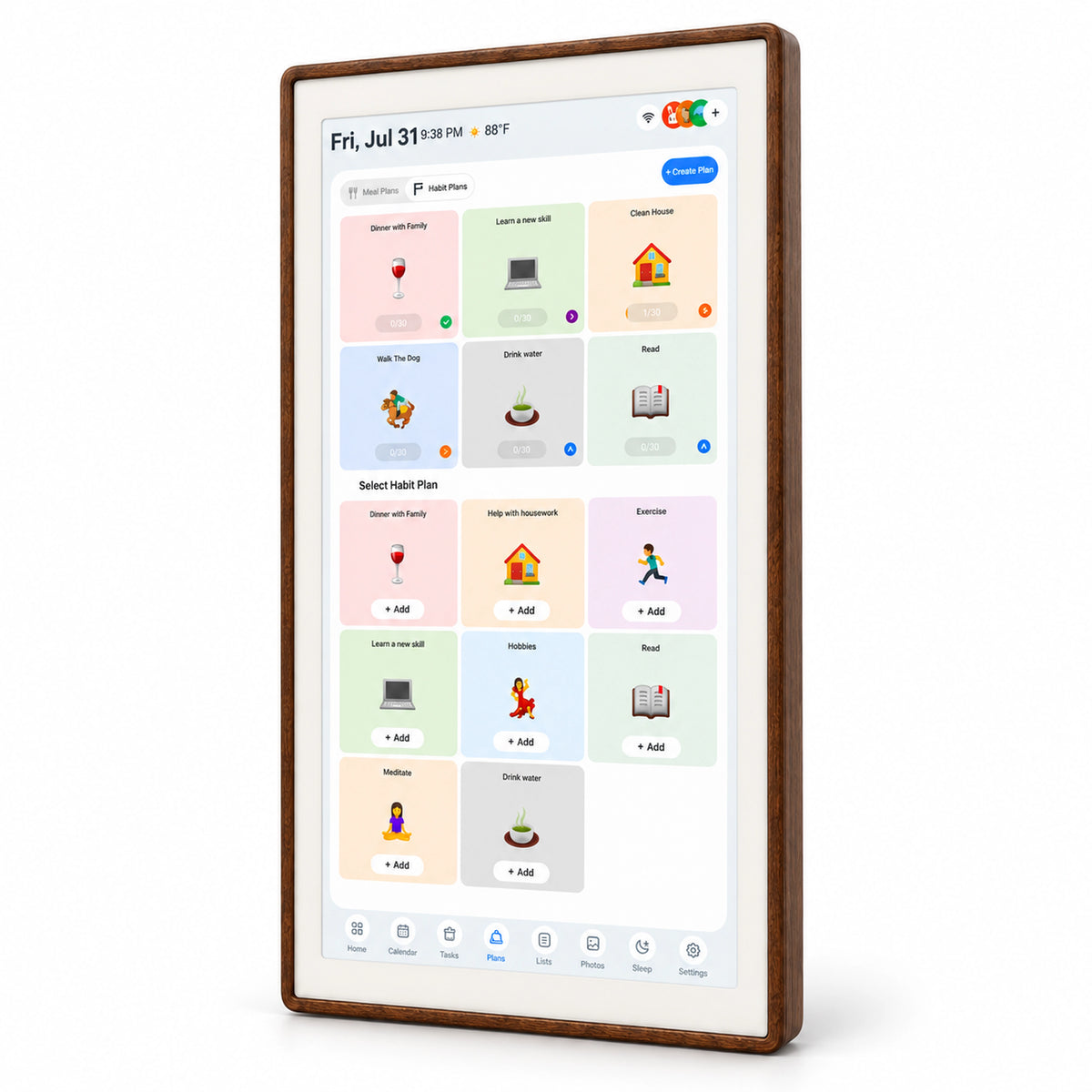
More screen & More immersion
A larger edge-to-edge display lets every photo, call, and moment feel beautifully alive.
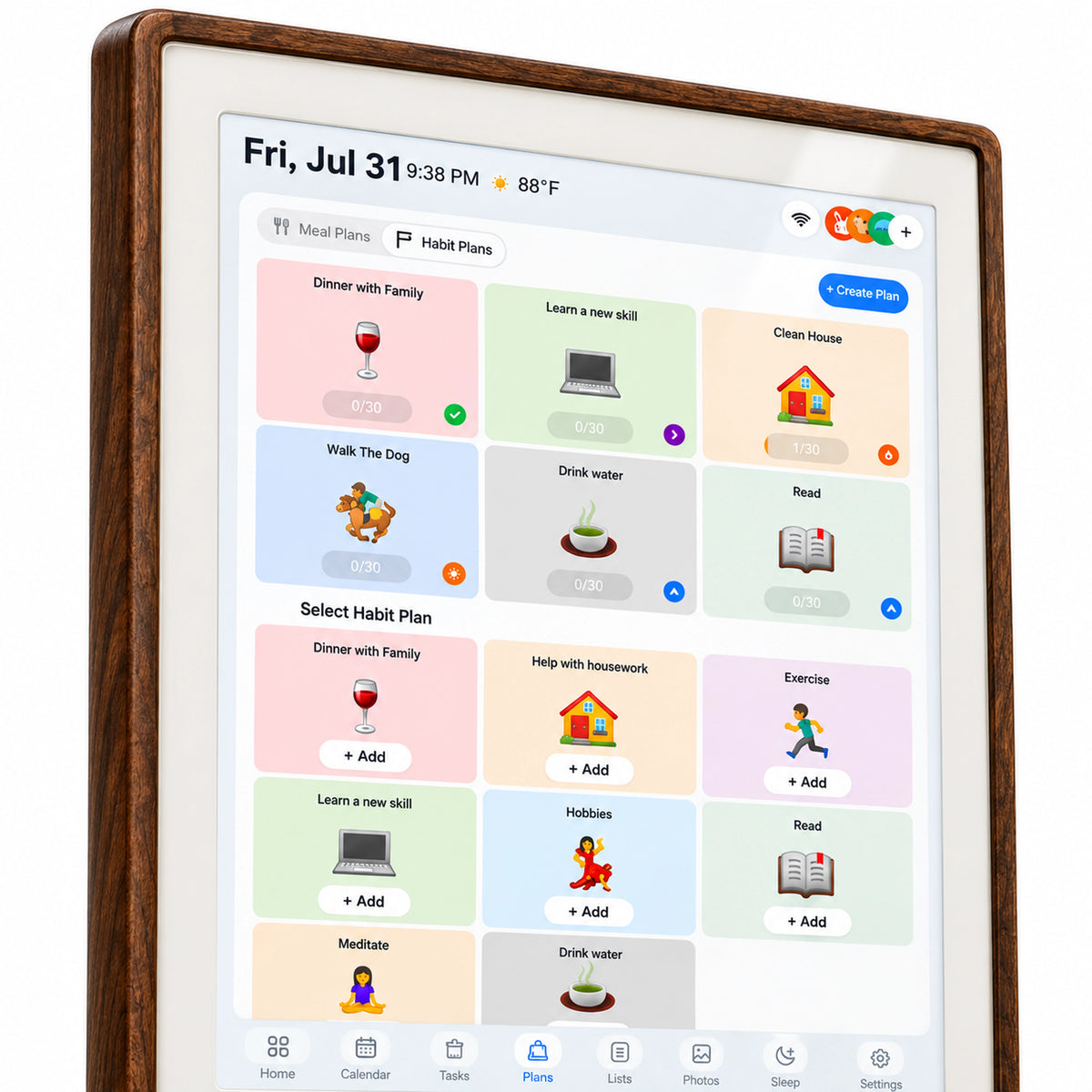
Color that pulls you in
Crisp detail, vivid contrast, and brilliant color make every glance worth lingering on.
Made for all-day comfort
Thoughtfully selected skin-friendly, eco-conscious materials feel as good as they look.
A Different Experience
Media Showcase-See how real families are using their family digital calendars on social media.

@Cotoaladisplay
BUILT FOR CLARITY · DESIGNED FOR INDEPENDENCE
Guided by Expert Insight
Cotoala was created by moms and developed with input from real families and child development professionals. Their insight helps us turn thoughtful principles into practical, kid-friendly tools that support clearer routines, growing independence, and a more connected family life.


5,000+ verified family reviews(With pictures)
Reviews Display
1 / 3
Help Center
How long does it take to ship? How long does it take to arrive?
After you place your order, we will send you an order confirmation email. We will also upload the tracking number when shipping so you can track the shipment. We will ship your order from the US to your address within three days, and it will take approximately 3-7 days to arrive, depending on your address. Our support team is online 7 days a week and strives to respond within 24 hours. For any other questions, you can contact us via email at service@cotoala.com; we are always happy to assist you.
Can I return the product if it's broken or I don't like it?
We offer a 30-day no-questions-asked return policy, so you can try our products for free. We have a one-year warranty, and subscribing to our official website via email extends the warranty by another year free of charge.
What are the advantages of buying from the official website?
Registering and subscribing to emails on the official website entitles you to up to a 2-year warranty, and there are frequent promotional gifts. You can also receive gifts by leaving a review after making a purchase.
What advantages do we have over other brands?
We are a brand company with our own factory, so our prices are transparent and offer excellent value for money, guaranteeing you get the best products for the least amount of money. We ship directly from the US, ensuring your satisfaction with both logistics and service.
Will I have to pay again after I buy the Cotoala Display?
No—you pay once and keep every core feature. Cotoala includes the FotoCube app, family calendar, routines, photo sharing, and display features with no monthly fee, paid tier, or locked featur
My partner uses Google Calendar and I use Outlook. Will both schedules update on the same family screen?
Yes—Google Calendar and Microsoft Outlook can sync in real time, two ways. Apple iCloud, Cozi, Yahoo Calendar, and TeamSnap can also be connected via calendar/ICS import; for ICS calendars, you can import up to 3 links at a time.
We are not “smart-home people.” Can we really get it working before the school run?
Yes—first-time setup is designed to take about 5 minutes. Plug in the display, enter Wi-Fi and time-zone settings, download the free FotoCube app, then scan the on-screen QR code to pair it.
I am not sure the kitchen wall is the right spot. Can I test it on a counter first?
Yes—you can start with the included desktop stand, then wall-mount it later if you prefer. The 21.5-inch display measures 529 × 321 × 37 mm and supports a standard 100 × 100 mm VESA mount.
If the Wi-Fi goes down or I unplug it to clean, what stops working?
Live family features pause until power and Wi-Fi return. Calendar sync, real-time reminders, and app-based photo sharing need Wi-Fi; the display also needs the included DC power adapter to stay on. You can still import photos and videos offline with a USB drive or SD/TF card up to 512 GB.
Can grandparents send photos to the display without signing up for a photo-frame subscription?
Yes—the free FotoCube app lets them send photos remotely without a recurring plan. Each transfer supports up to 100 photos, and videos can be up to 5 minutes long; USB or SD/TF import is available when the display is offline.
Will my child actually use it for a morning routine, or will it become another screen only adults touch?
It gives children a shared, tap-friendly visual routine they can follow themselves. Use routines, checkmarks, rewards, and streaks to make “get dressed, brush teeth, pack backpack” visible in one place. Add a verified proof point here before publishing: [After X days, average parent reminders fell from X to X per morning in a trial of X families.]
What if we try it and it is not the right fit for our family?
You can try Cotoala at home for 30 days with free returns. The product page also lists ongoing manufacturer support; state the current warranty terms consistently across the product page and Help Center.
How Do I Download The FotoCube App?
The FotoCube app is free and available on both iOS and Android. Simply search for “FotoCube” in the App Store or Google Play to download it. Once installed, create an account with your email address and follow the in-app instructions to pair your Cotoala calendar. The app is required to sync calendars, switch modes, send photos, and manage most features.
Does My Cotoala Calendar Need To Stay Plugged In?
Yes. Your Cotoala Smart Family Calendar needs to remain plugged in at all times using the included DC power adapter. Reminders, calendar sync, and photo sharing pause when the device is unplugged and resume automatically once it restarts. Please use the included DC adapter — the USB-C port on the back is reserved for firmware upgrades only and does not provide power.
Does Cotoala Work Without A Wi-Fi Connection?
A Wi-Fi connection is required for calendar sync, real-time reminders, and photo sharing via the FotoCube app. However, you can import photos and videos offline using an SD card or USB flash drive (up to 512GB, not included) without any internet connection. We recommend keeping your calendar connected to Wi-Fi at all times for the best experience.
Is The FotoCube App Really Free? Are There Any Subscription Fees?
Yes — completely free, forever. Every feature on your Cotoala calendar is included at no extra charge. There are no monthly fees, no subscription tiers, and no features locked behind a paywall. You pay once for the device and that’s it.
How Do I Send Photos And Videos To My Cotoala Calendar?
Open the FotoCube app, select photos or videos from your camera roll, choose your Cotoala device, and tap Send — they’ll appear on the screen within seconds from anywhere in the world. You can send up to 100 photos per transfer and videos up to 5 minutes long. Alternatively, copy files to an SD card or USB flash drive and insert it directly into the back of the device for offline import.